Service models and workflow types
Set up a service that prices itself, and know which workflow type your work follows.
Updated 23 September 2026
On this page
- Why
- A service priced by hand is priced a little differently by every person who quotes it.
- What
- A service model is the setup behind one kind of work: its workflow type, families, steps, price formula and standard minutes.
- How
- Install one from a preset or start a service in
/app/servicing?view=services, then tune it in the builder.
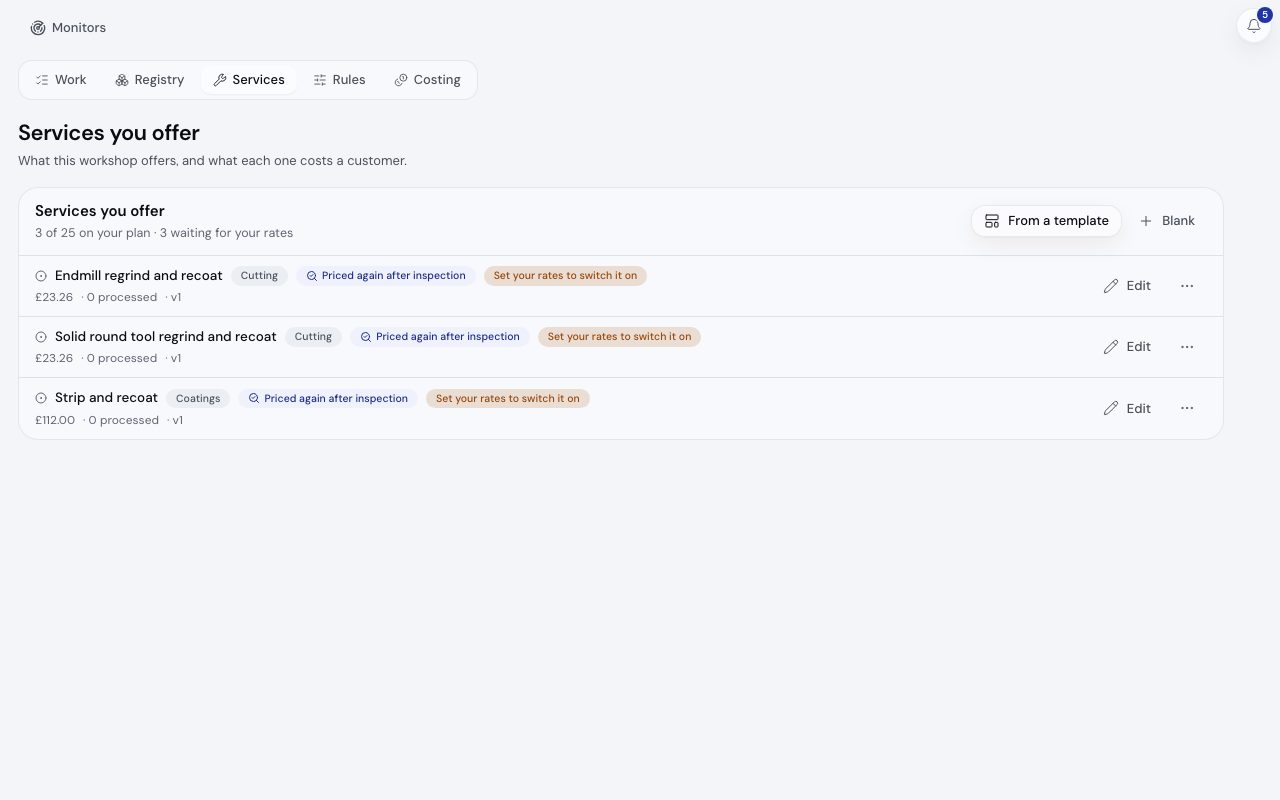
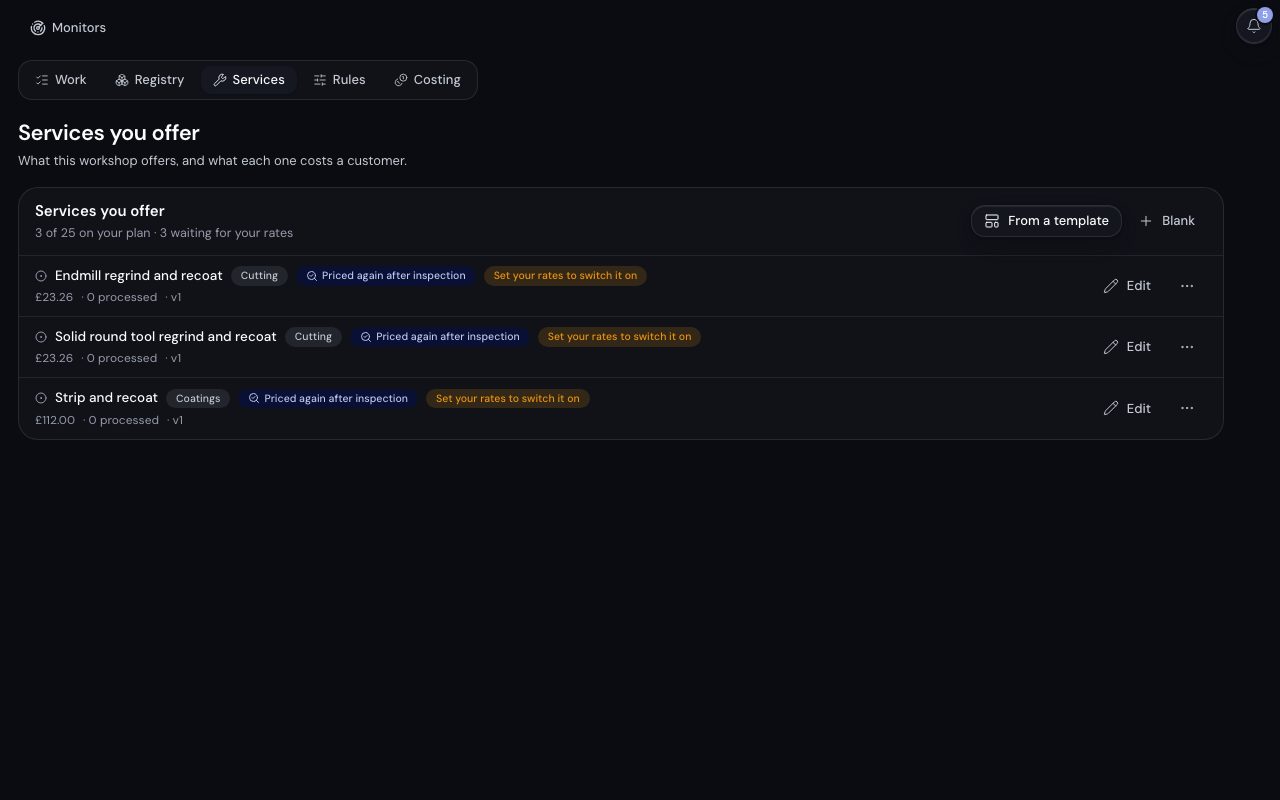
/app/servicing?view=services, demonstration data, captured 23 September 2026. Open full sizeOpen full sizeThe workflow types
The type decides the default steps a preset writes into the model's workflow.
| Type | The work |
|---|---|
| Product servicing | The customer's own item comes in, is worked on and goes back. |
| Batch process | A quantity arrives as one lot, is processed together and is counted out. |
| Site visit | The work happens at the customer's site. |
| Bench work | Work on something already in the building, with no collection or return. |
The type, the families and the steps arrive with a service centre preset and are not edited in the workspace. The builder edits the price, the item defaults and the tests.
Start a service
- Step 1.
Open
/app/servicing?view=servicesand choose From a template or Blank. - Step 2.
A template arrives paused with illustrative rates and reads Set your rates to switch it on until you have.
- Step 3.
Open the service to tune it in the builder at
/app/servicing/services/[id]. Back in the list, choose Switch this service on from its row's menu.
The builder
| Section | What you set |
|---|---|
| Service details | Name, domain, description and Subject to inspection. |
| Item lifetime and limits | Default max services, Turnaround in working days and serviceability Limits. |
| Parameters | What the customer or inspector fills in: number, dimension, select, boolean or text. |
| Pricing | Derived values, then outputs. price, cost and leadtime_days are the standard keys. |
| Rules | Block stops the run with its message; Warn attaches it and carries on. |
| Test bench | Try inputs, Check on server and Save current as a test. |
The Endmill regrind and recoat template prices like this, at its illustrative rates:
base = tiered(diameter_mm, [[0,8.50],[6,10.00],[12,14.00],[20,22.00]])
price = round((base + flutes * 0.85) * lookup_meta('regrind_faces','f') + if(coating_strip, 4.50, 0), 2)
leadtime_days = if(coating_strip, 7, 4)
Saving runs every saved test. A service stays on only while it has a price output and every saved test is green; otherwise it pauses itself and says why, and Switch back on returns it once the tests pass.
Services per plan
| Free | Pro | Ultra | Max |
|---|---|---|---|
| 2 | 25 | Unlimited | Unlimited |
The Solid tool regrind and recoat service model as its preset installs it: 8 stations in order, with one item going through them and the Service Centre status strip showing where it is at each. The stations: Goods in, Cleaning, Inspection in, Marking, Rotary tool grinding, Coating, Inspection out and packing, Ready and loading.
Inspection out and packing to Ready and loading: the item reads Completed
A preset service model's stations in order, with one item going through them.
Related
- FamiliesKnow what an item family is, which ones the presets bring and what a family changes today.
- Custom and paid setupInstall a ready made service model for your trade, or ask for one built to order.
- PricingKnow where your own prices are set and how a quote line shows the steps that reached its price.