How usage works
Know what draws on the month's usage, what never does and what happens when it is spent.
Updated 23 September 2026
- Why
- One pool is simpler to plan for than a price list of actions.
- What
- A month of usage covering the AI and the platform together, shown as a share of the month and never as a count.
- How
- Each plan's pool is sized from a modelled budget for the AI provider's cost, and platform activity draws a small share from the same pool.
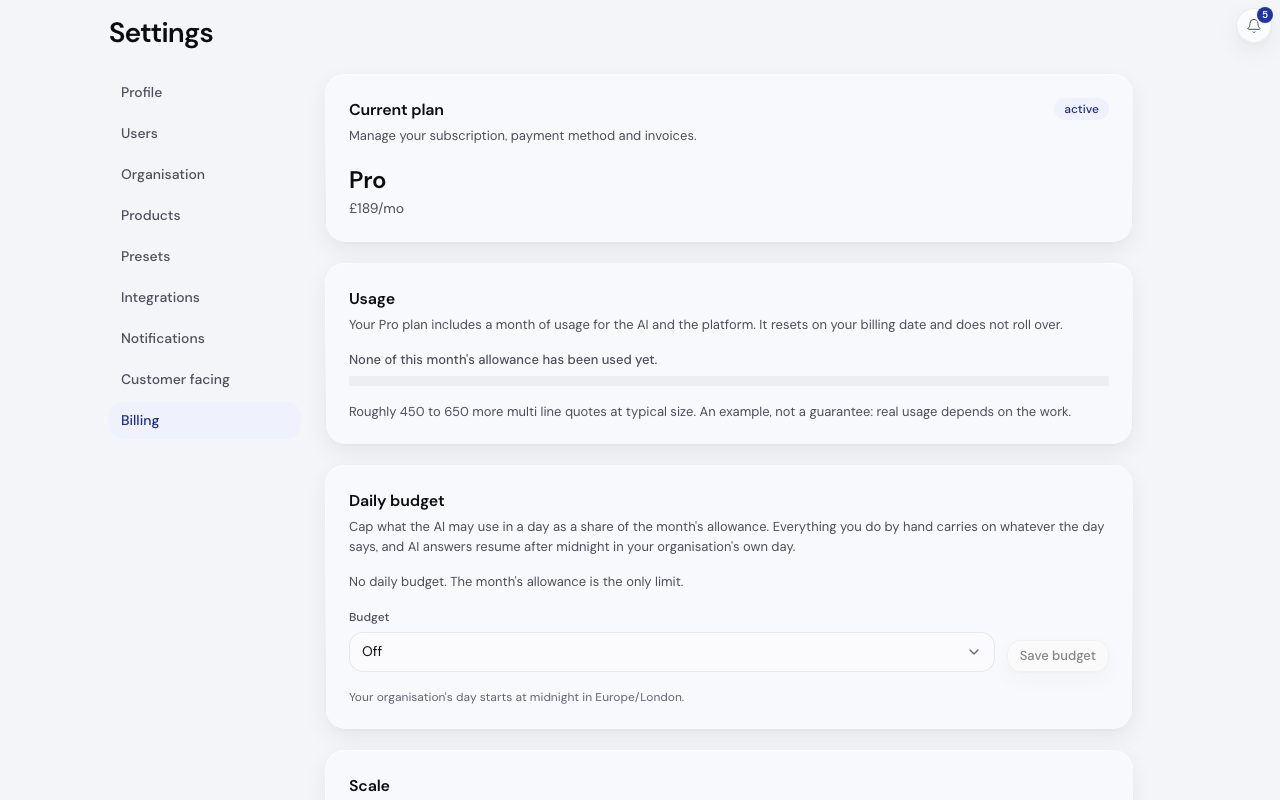
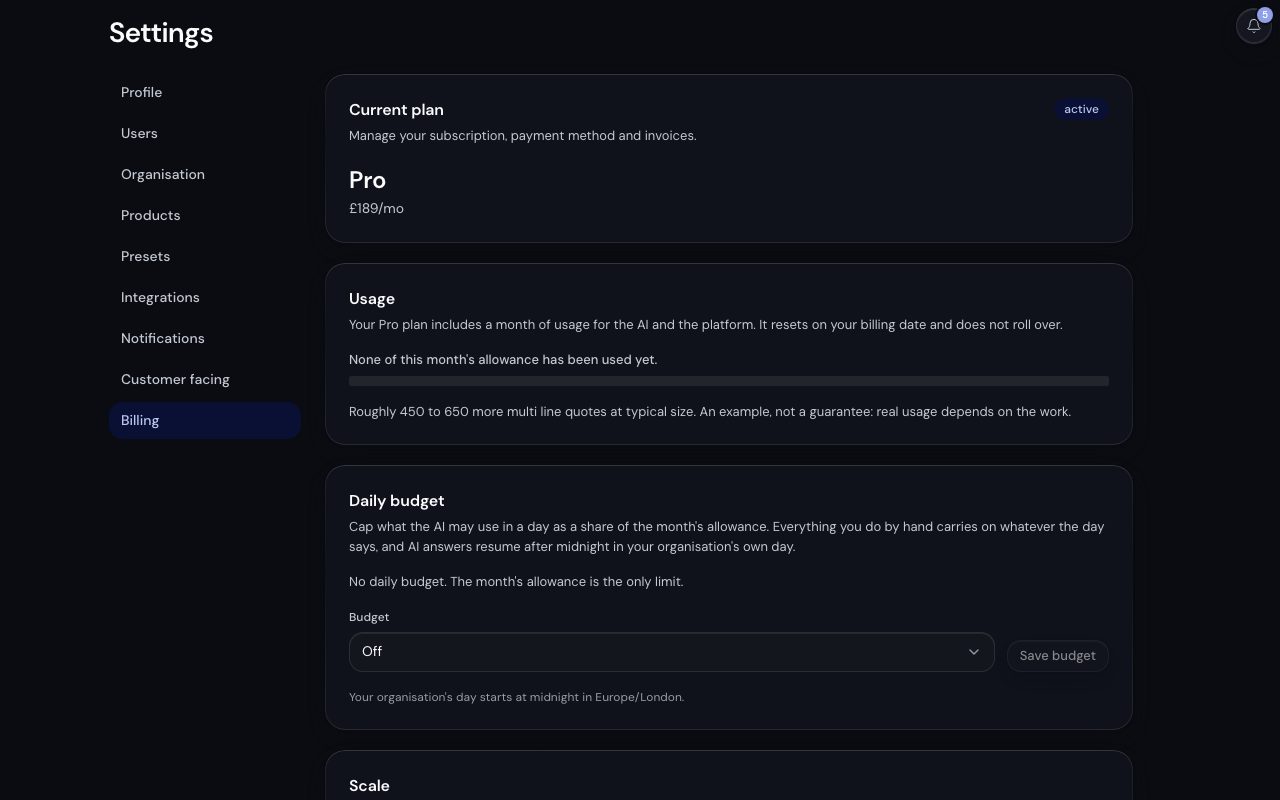
/app/settings/billing, demonstration data, captured 23 September 2026. Open full sizeOpen full sizeWhat draws on it
| Draws | Examples |
|---|---|
| Most | AI work: reading a request, matching its lines, drafting a quote or a reply. A scanned drawing draws more than a pasted email, and an answer that needs the larger model draws more than one that does not. |
| About one AI answer | Opening an Inspect company profile. An Inspect export draws more. |
| A touch | A record created or changed, a wizard run, an import, a design export, a monitor that sends an email. |
| Nothing | Browsing, searching, filtering, reading, opening a station screen, scanning a code, rendering a document and your customers reading their own records. |
The customer AI on the Commerce surface draws on the same pool, and the usage card shows it as its own line, Your customers.
Where you see it
- The usage bar at the top right of the AI input on
/app. Hover, focus or click it for the card: this month's share, today's budget when one is set, What has used it and the reset date. /app/settings/billing, under Usage, measured over the billing period rather than the calendar month.- The Inspect header, with the same bar.
Three worked months drawing on one pool of usage, where AI answers, Inspect and everything else share the same month: a small firm on Pro uses about a tenth of its month; a medium firm on Ultra uses about a quarter of its month; a field team opening company profiles on Pro uses about a fifth of its month.
Three worked example months, one per firm, each drawing on its own pool and shown as shares.
When it is spent
There is no overage on any plan. AI answers pause until the reset, and quoting, the catalogue and everything you do by hand carry on. An upgrade refreshes usage straight away.
Usage resets on your billing date and does not roll over. The free plan's allowance is for the life of the account and does not refresh.
Related
- Plans and usagePick the plan that fits: every plan carries every product, and plans differ only in usage and scale.
- Daily budgetsCap what the AI may use in a day so one busy day cannot spend the month.
- Usage and what draws on itKnow what draws on your plan's one pool of usage, what never does and what happens when it runs out.
- What Inspect draws on your usageKnow which Inspect actions draw on the month's usage and which are always free.