The region
Activate a county, then find the companies worth working in its list or on its map.
Updated 23 September 2026
On this page
- Why
- A rep works a list and uses a map to get their bearings, so the region offers both from one switch.
- What
- The Region view at
/app/inspectshows every verified company in an activated county, with enough to judge which are worth opening. - How
- Choose the region in the header, switch between List and Map, then narrow it with the segments and Filters.
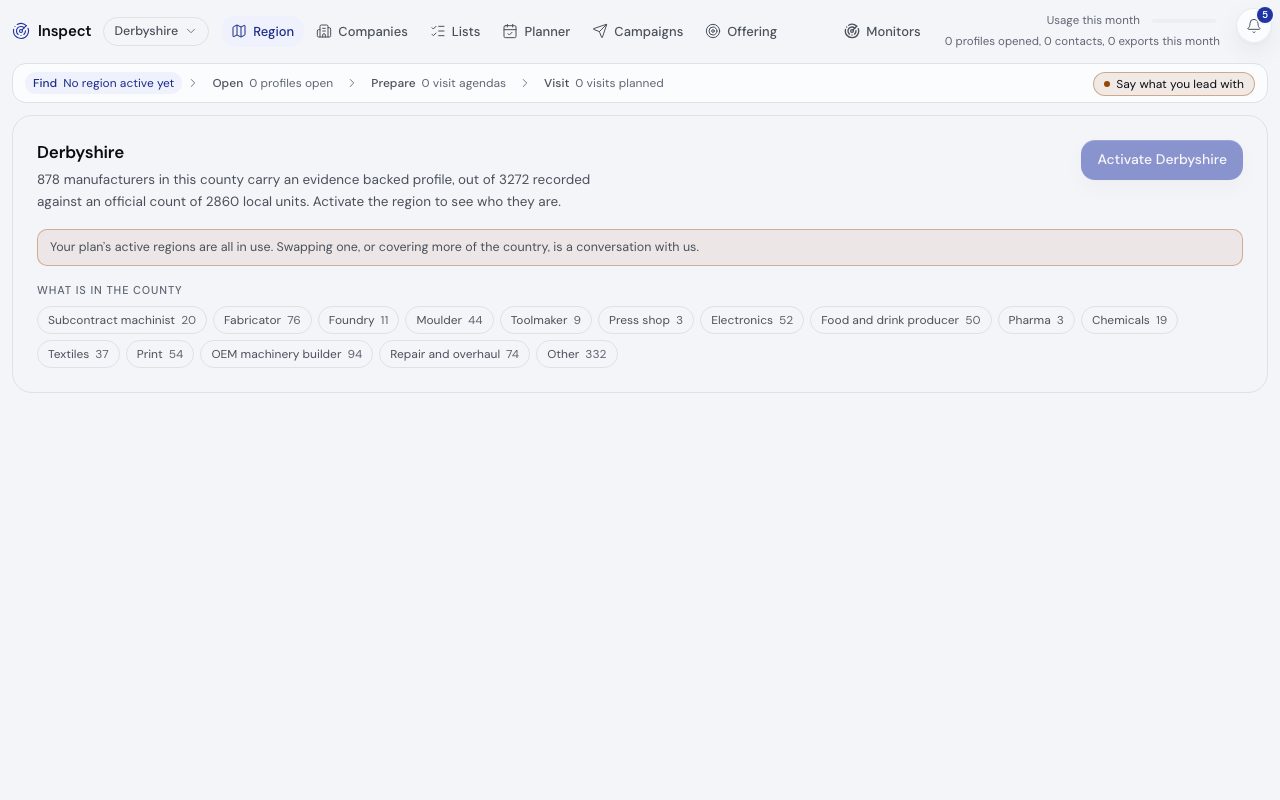
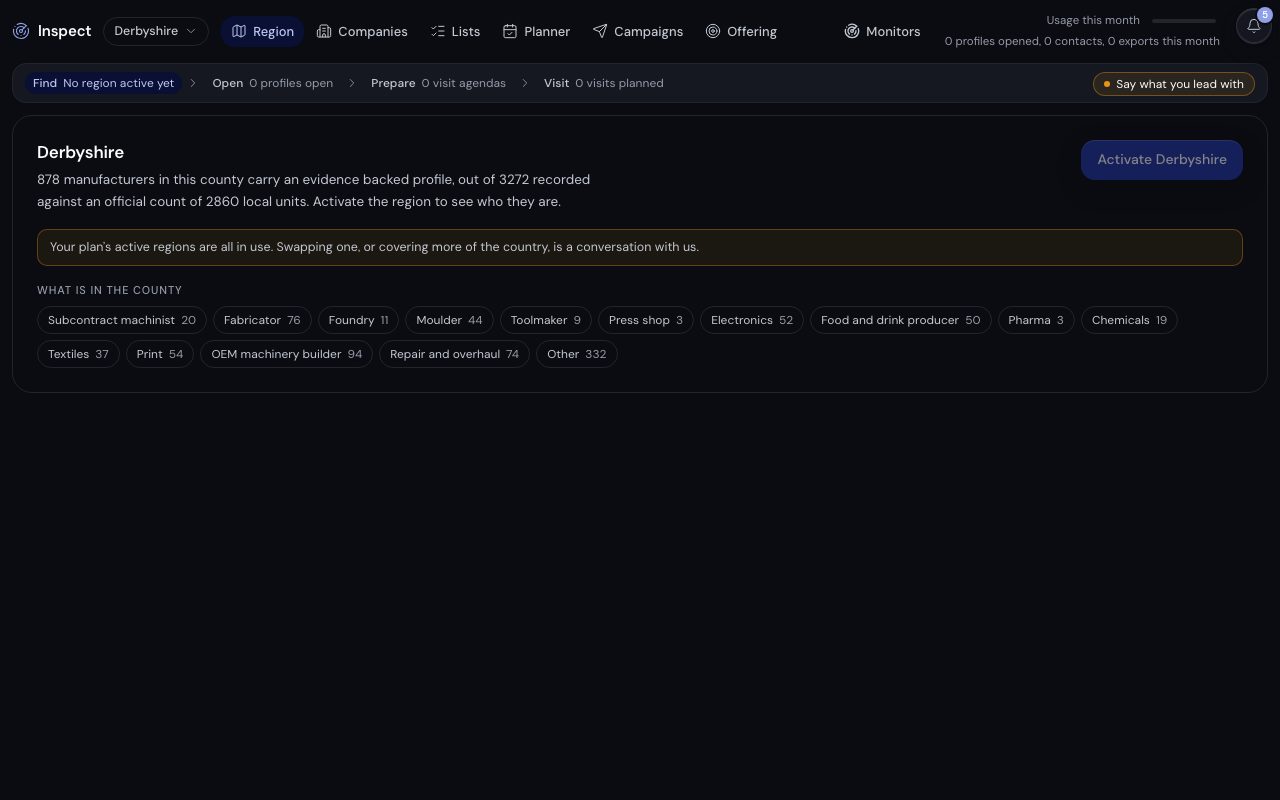
/app/inspect, demonstration data, captured 23 September 2026. Open full sizeOpen full sizeActivate a region
A county you have not activated shows its totals only. An admin or owner activates it with the button that reads Activate and the county's name; how many regions a workspace holds at once is agreed with us.
Find companies
- Step 1.
Open
/app/inspectand pick the county from the region menu in the header. - Step 2.
Pick a segment, or Suits what you sell to keep the segments your presets fit.
- Step 3.
Open Filters for local authority, size, process on site, likely demand, where you are with them and list membership.
- Step 4.
Search by name, trade or process, then use Add to a list on any row worth keeping (it appears once you have a list).
What a row shows
Name, kind, local authority, staff band and the evidence counts (processes, machines, materials, certifications, signals, named people), with an Open badge on the profiles you have already opened and your engagement status once you have set one.
The count line gives the verified companies in the county, and a second line says how many more are recorded with nothing beyond the register. None of this draws on your usage.
A map of Derbyshire with 10 demonstration companies at real coordinates, one of which opens into its Inspect profile: the tier, each value with its basis and a written profile that cites its sources. The companies are invented for the demonstration.
The written profile cites each source it read
The map
Map plots the same companies, clustered until you zoom in. Choose a pin to see the company and open its profile. A row's Show on the map jumps straight to it.
Export beside Filters downloads every company you have opened as a CSV. See what Inspect draws on your usage.
Related
- Opening profilesKnow what is free, what opening a profile draws on and what the free plan shows.
- Lists and the plannerGroup the companies you mean to work, then run your visits and follow ups from one screen.
- The growing mapKnow how a county is mapped, what the public figures mean and how to ask for your county next.