Arcline
Run Arcline, the CNC plasma and sheet metal machine module, from parts library to cut file.
Updated 23 September 2026
On this page
- Why
- In profile cutting the offcut is stock, and it only gets used if it is a record.
- How
- Install the Plate profiling and cutting preset; opening Machinist then goes straight to Arcline's Shop view.
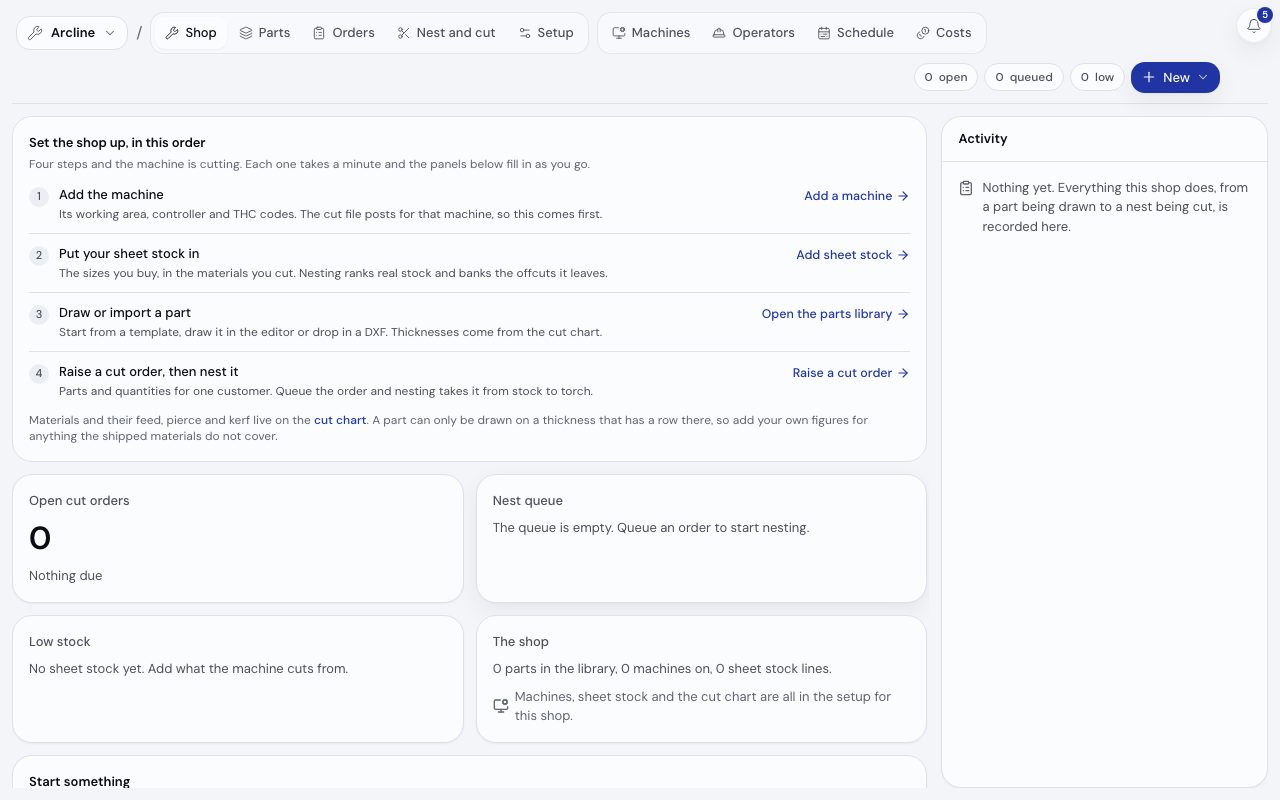
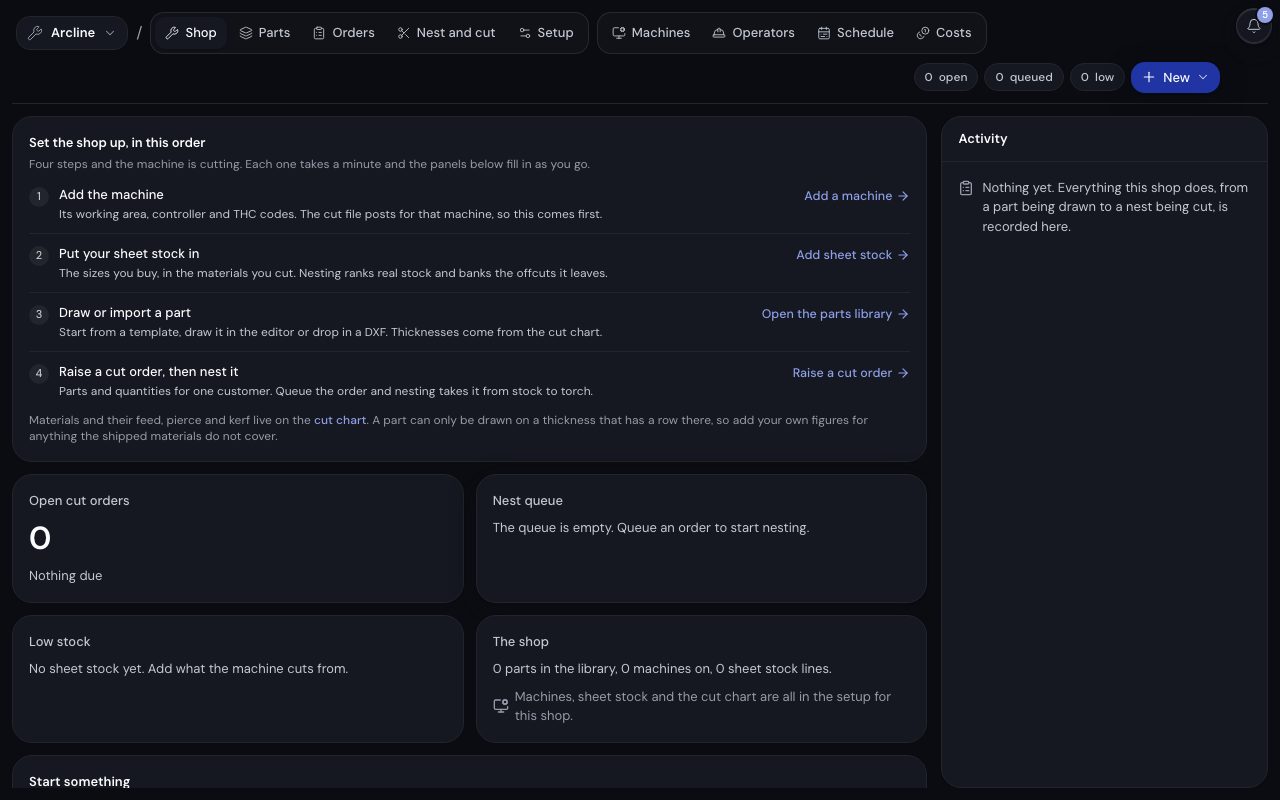
/app/machinist/arcline, demonstration data, captured 23 September 2026. Open full sizeOpen full sizeThe five views
| View | Holds |
|---|---|
| Shop | Open cut orders and what is due, the nest queue by material and thickness, low sheet stock and the activity trail |
| Parts | The parts library; each part opens in a 2D editor |
| Orders | Cut orders: the parts and quantities to cut, per customer |
| Nest and cut | The queue, the sheet canvas, the simulation and the export as G-code or DXF |
| Setup | Machines, sheet stock and remnants, and the cut chart (feed, pierce and kerf per material and thickness) |
The toolbar carries the counts that matter from any view (open orders, parts waiting to be nested, sheet stock below threshold), each a link to the view that clears it, and New offers New part, New cut order and Nest the queue.
The loop it closes
- A part is drawn from a template, in the editor or from a DXF, on a thickness the cut chart covers.
- A cut order collects parts and quantities.
- Nest and cut lays the parts onto a real sheet or a banked remnant and simulates the result.
- Approving or cutting the nest raises its job, with the nester's time as its standard minutes. Approval locks the layout and the cut settings, so the cut files export exactly as approved; a change is a new nest.
- Completing the cut consumes the sheet and books the usable remnant back into stock.
A part can only be drawn on a thickness that has a cut chart row. Add the row in Setup first for a material the shipped chart does not cover.
Where the work comes from
A designed product with connected stock, such as a PCD saw blade body, raises a queued cut order when an order is created for it. See rates, stock and the machine bridge.
Machines and your plan
Arcline's Setup holds its active machines to your plan's station allowance. See machines and stations.
The Machinist nesting engine placing 28 demonstration parts on a 2500 by 1250 mm sheet of 6 mm steel, largest first, at 49.4% utilisation of the used region.
28 parts nested at 49.4% utilisation, offcut kept
Related
- JobsKnow where a job comes from, how it moves and how its minutes are measured.
- Machines and stationsAdd a machine, sign its screen in and read what it did today.
- Wire EDMRun the wire EDM machine module: tip and knife profiles, erode orders, a queue with modelled wire times and the discs tracked as stock.