Connecting other systems
Read any integration's label correctly and pick the right path for a system that has no named connection.
Updated 23 September 2026
- Why
- Your workshop already runs systems, and Kabaido has to meet them rather than replace them.
- How
- Open
/app/settings/integrations, search for what you run and open its entry.
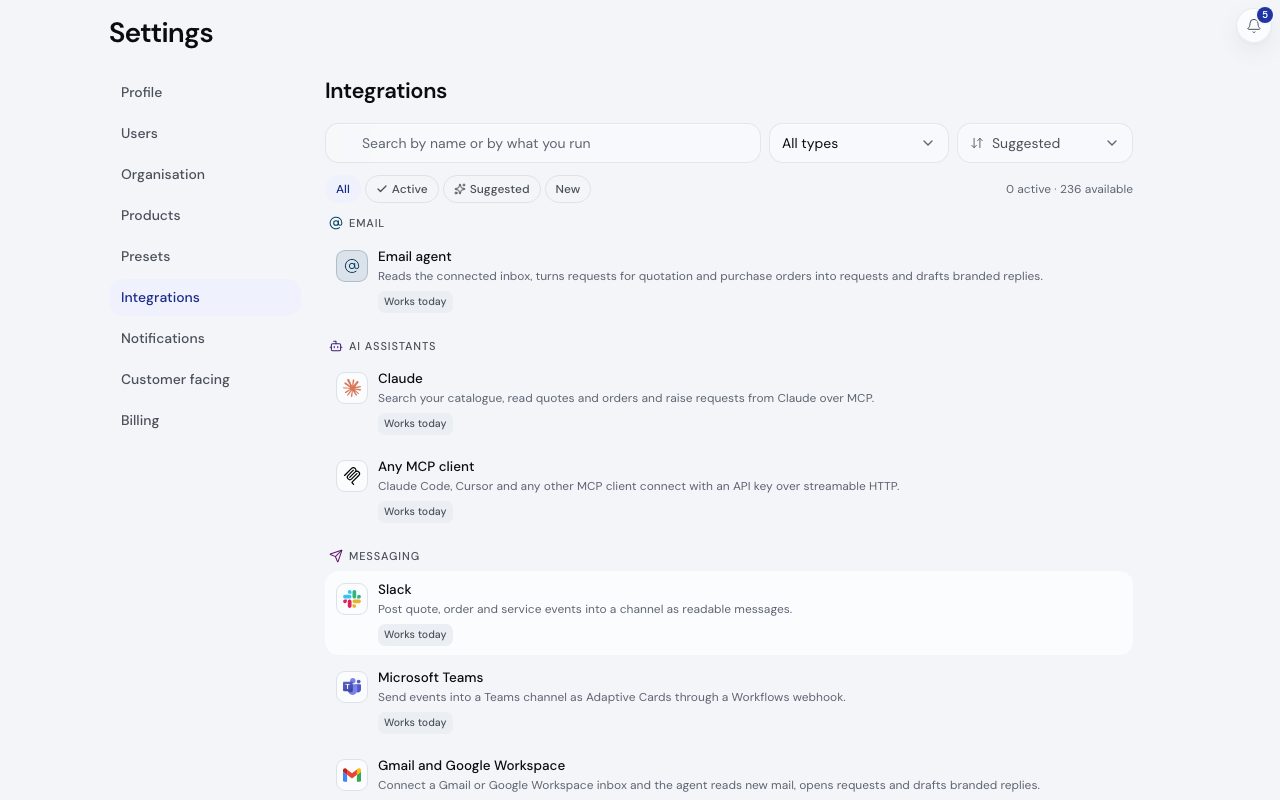
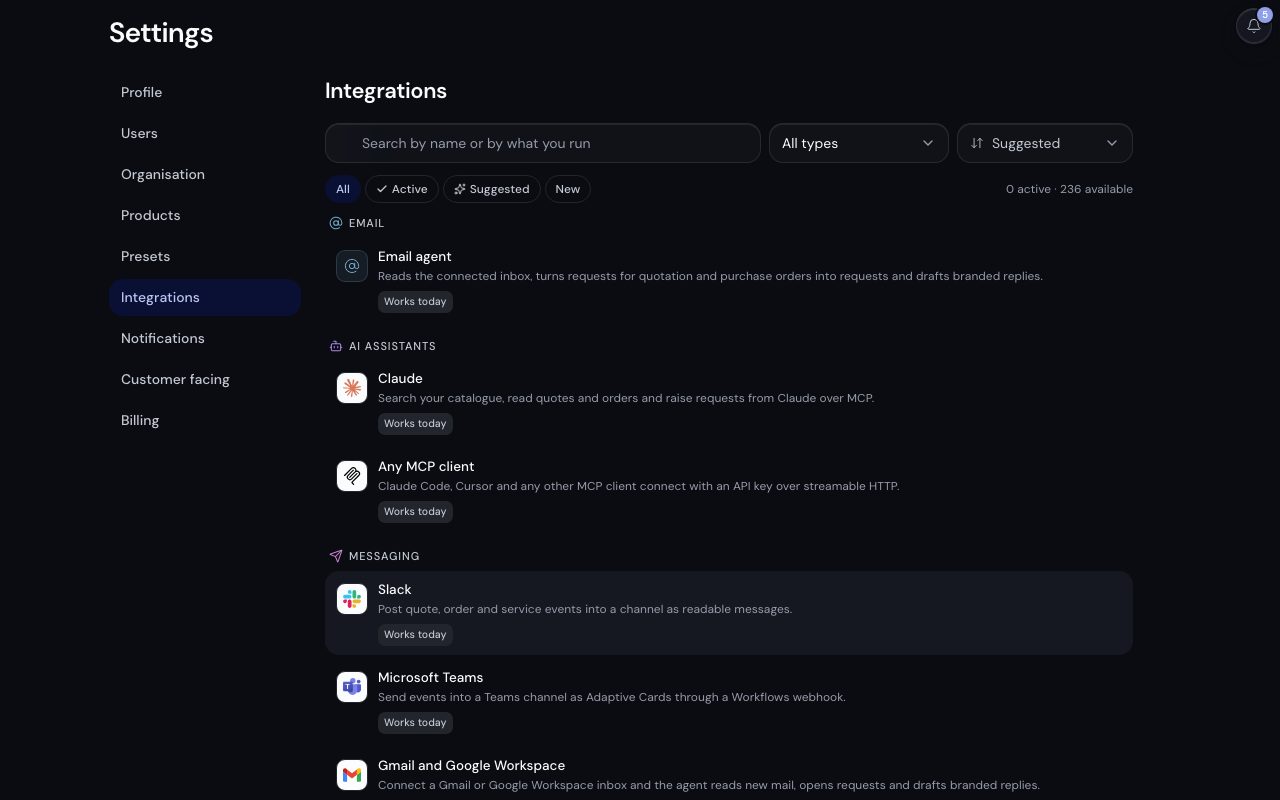
/app/settings/integrations, demonstration data, captured 23 September 2026. Open full sizeOpen full sizeThe four labels
Every entry carries exactly one label, on the website and in Settings alike. Nothing is labelled Works today unless Kabaido code talks to the provider.
| Label | What it means |
|---|---|
| Works today | Kabaido code talks to the provider. |
| Template | A prepared recipe on a generic path, which you finish. |
| Via automation | Through Zapier, Make or n8n. |
| Roadmap | Not built yet. Tell us what you need and we will talk it through. |
Finding an entry
- Step 1.
Open
/app/settings/integrations. Every connection sits in one list with a search box, a type filter and the All, Active, Suggested and New chips. - Step 2.
Open an entry. Its panel says what it is for, walks through the setup and, once connected, manages it: keys, endpoints, deliveries or receipts.
- Step 3.
A link ending
?open=<id>opens one panel directly, which is how prompts elsewhere in the platform send you there.
Connecting needs the admin role or above. No plan gates a connection; an entry tied to a product, such as the Inspect contact finders, needs that product switched on.
The universal paths
When your system has no named entry, one of these reaches it. Most setups use two or three together.
| If your system | Use |
|---|---|
| Can be programmed against an API | The REST API with a scoped key, or the MCP server for an AI assistant. |
| Needs to hear when something happens here | Outbound webhooks: signed JSON posted to your URL. |
| Can send but not receive | An inbound endpoint: a tokenised URL it posts JSON to. |
| Answers a GET request from the internet | A scheduled REST pull: customers or products, daily or by hand. |
| Is a person with a spreadsheet | CSV import and export, on every plan. |
| Already runs an automation tool | Zapier, Make or n8n: webhooks start a flow and the flow writes back over the API. |
A Roadmap entry is not built. Its page says what it would do; tell us what you need, and meanwhile the paths above cover the same data.
Related
- The REST APICall every v1 resource with the right scope, page through lists and handle every error it returns.
- WebhooksReceive signed events at your own URL and prove each one came from Kabaido.
- Inbound endpointsGive any system a URL it can post JSON to, and choose what each post does.
- Customer connectionsPull your customer list from a CRM or ERP over REST, mapped once and refreshed every night or when you ask.