Catalogue
Find where products, schemas, imports and pricing rules live, and which products bring each view.
Updated 23 September 2026
- Why
- Product data lives in supplier files and spreadsheets, so matching a request means reading them by hand.
- What
- One catalogue of products described by schemas, filtered by their attributes and priced by rules.
- How
- Import a CSV, XLSX or REST feed, map the columns to a schema, and the AI matches requests against it.
Find it at /app/catalog: an area in the menu under Products. Brought by Sales Engineer, Wizard, Commerce, Source and Stock.
Views
| View | What it shows | Added by |
|---|---|---|
| Products | Search the grid and filter by any attribute the schema marks as a filter. | Sales Engineer, Wizard, Commerce, Source and Stock |
| Schemas | Start from a preset schema, read one from a file or build your own. | Sales Engineer, Wizard, Commerce, Source and Stock |
| Imports | Map columns, check the rows, import; REST feeds refresh nightly or on demand. | Sales Engineer, Wizard, Commerce, Source and Stock |
| Pricing | Quantity breaks by product, category, schema or service, on every quote line. | Sales Engineer, Wizard, Commerce and Source |
| Suppliers' prices | Every supplier's price for a product side by side, the best picked out. | Source |
Parts you meet here
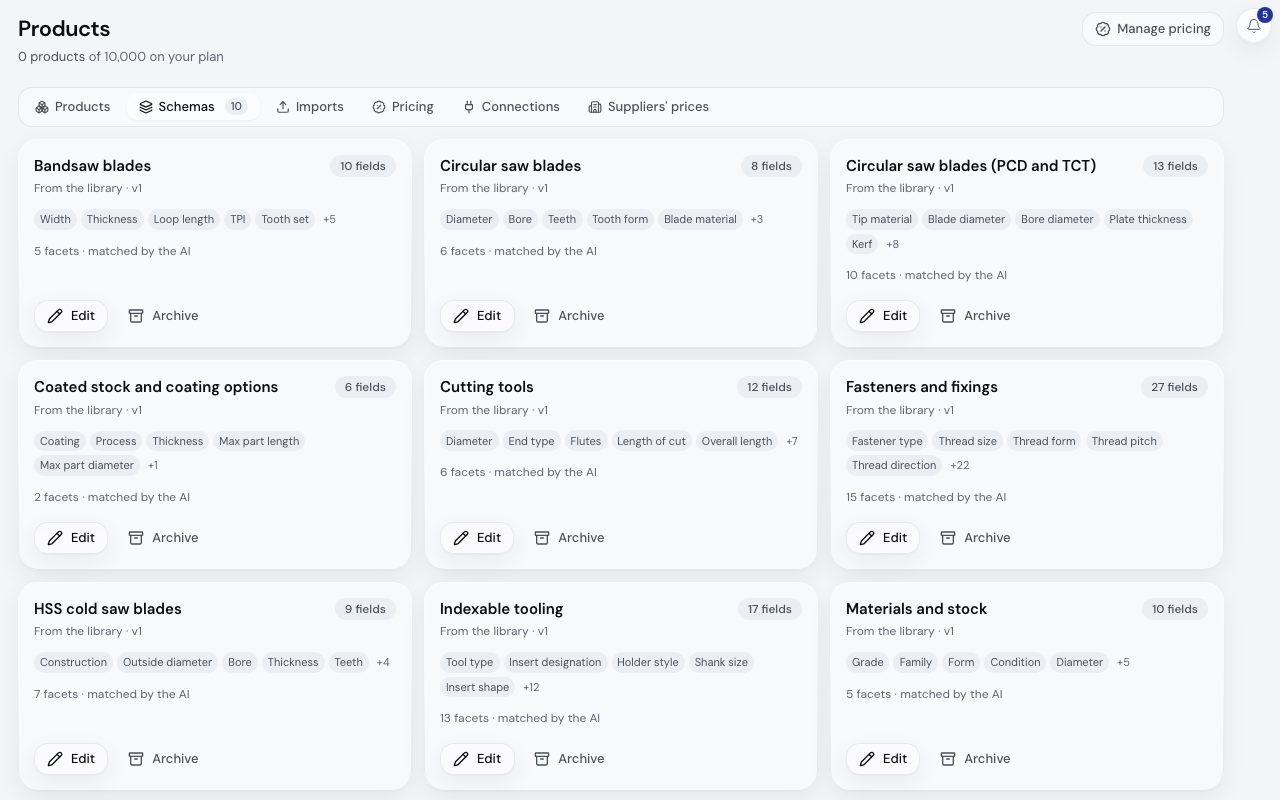
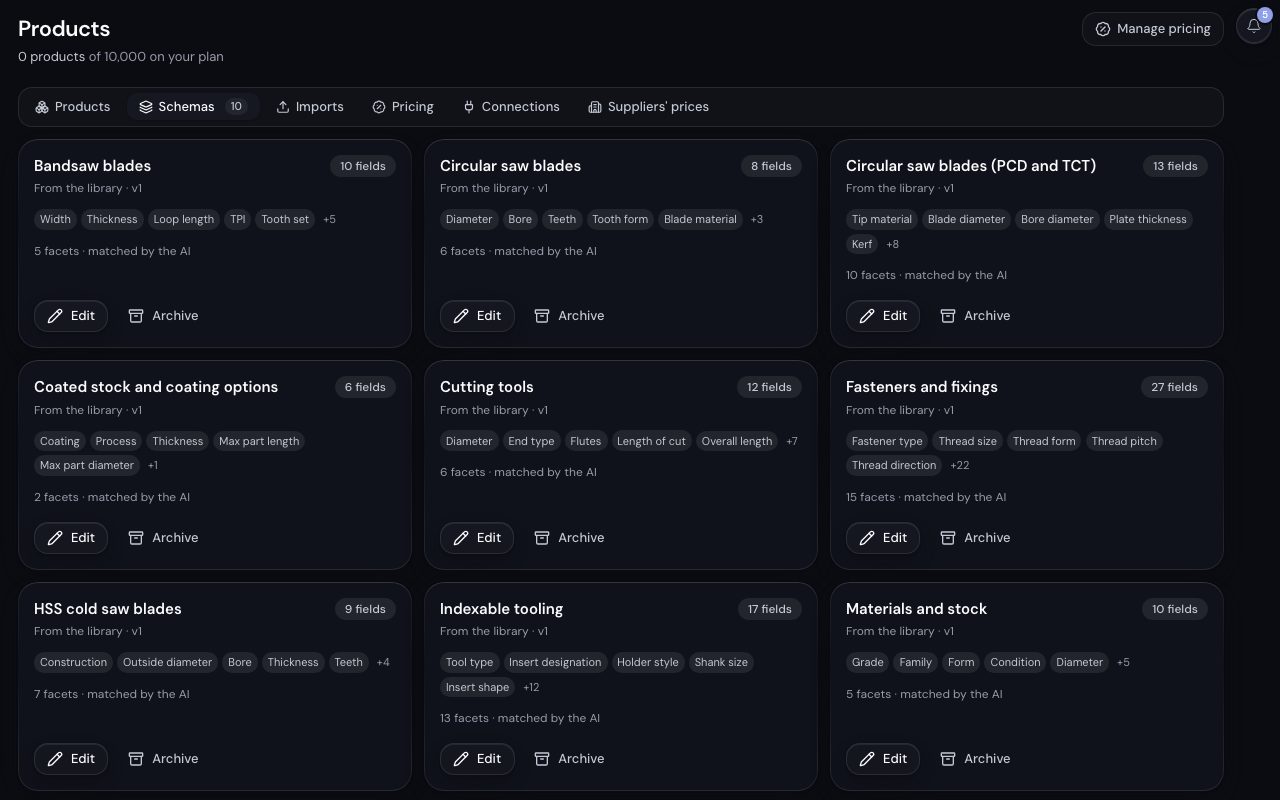
/app/catalog?tab=schemas, demonstration data, captured 23 September 2026. Open full sizeOpen full sizeBuild a catalogue
- Step 1.
In Schemas, start from a preset schema or build one: it decides the fields and the filters.
- Step 2.
In Imports, map a CSV or XLSX file to the schema and check the rows, or keep a REST feed in sync under Connections. See importing products and REST connections.
- Step 3.
In Pricing, set the quantity rules and special prices every quote line reads. The old
/app/pricingaddress opens this view.
Related
- Importing productsLoad a CSV or XLSX into your catalogue with the columns mapped for you, a checked sample and a run that resumes if it stops.
- Schemas and fieldsDescribe a product family with a schema of typed fields, and know which fields the AI matches an enquiry on.
- Pricing rules and the resolution orderKnow the exact order in which Kabaido reaches a unit price, so every line on every quote can be explained.