The workbench
Open a design module, configure a part, keep it as a file and find the four views.
Updated 23 September 2026
On this page
- Why
- A bespoke part needs its geometry, its checks and its price worked out together.
- What
- One full screen workbench per design module: parameters, the model, your files and your rates.
- How
- Open
/app/design; it reopens the work you had open, so you pick up where you stopped.
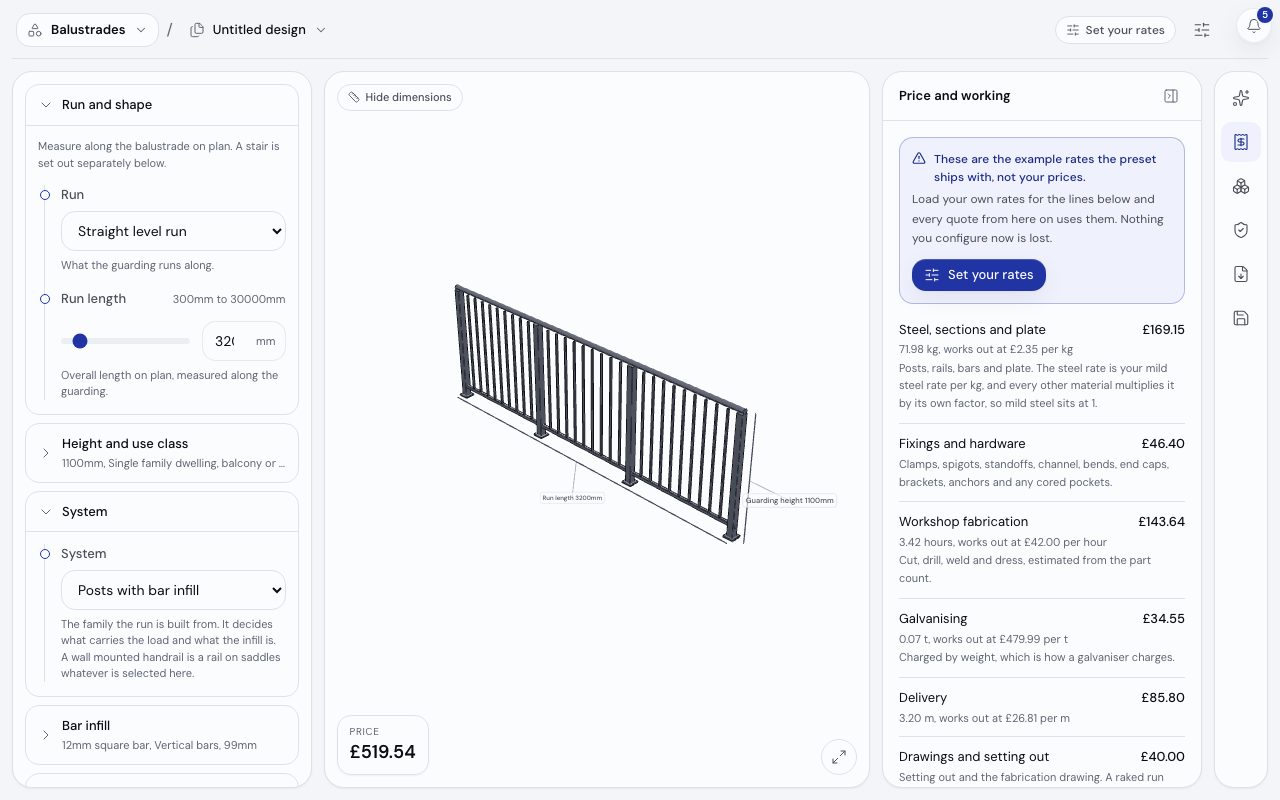
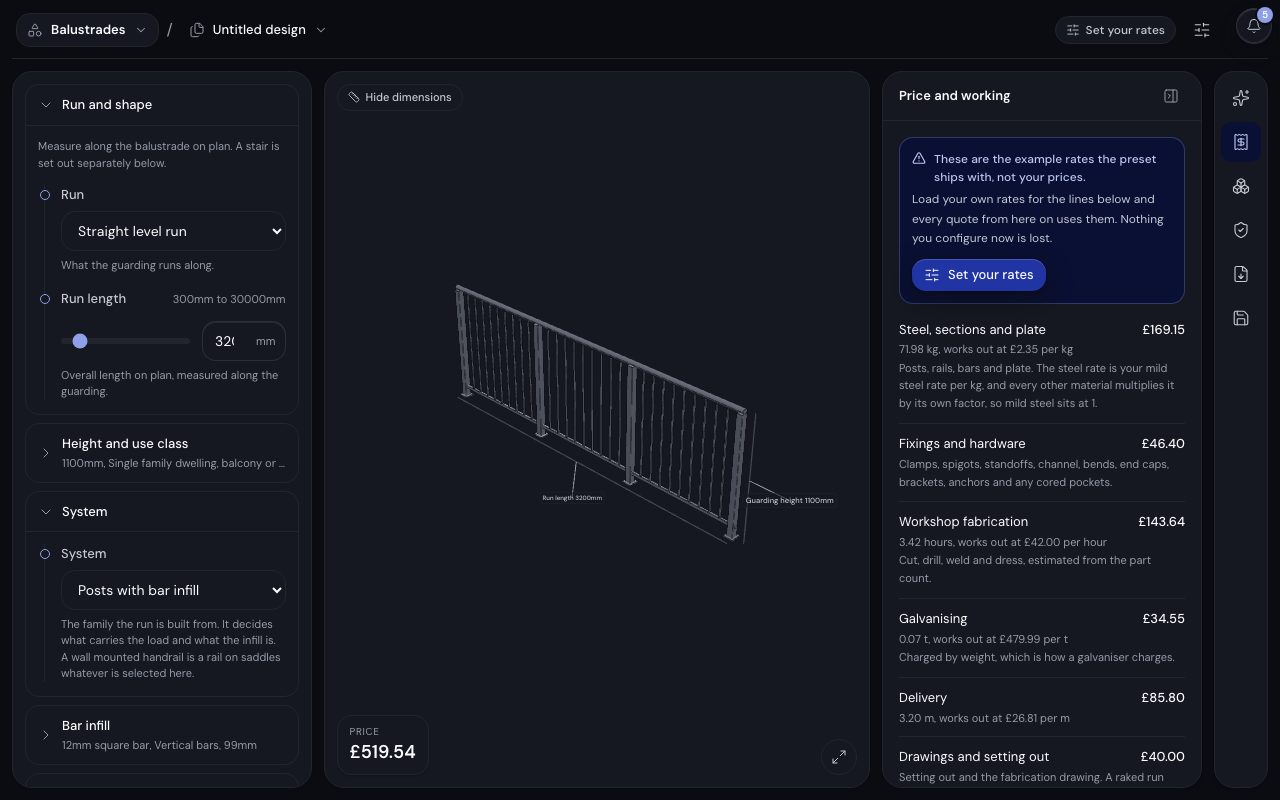
/app/design/balustrades-handrails, demonstration data, captured 23 September 2026. Open full sizeOpen full sizeWhere it opens
- The design you had open last, if its design module is still on.
- Otherwise the newest design in the workspace.
- Otherwise a fresh file on the first design module that is on.
- With no design module on, a screen that points you at presets to switch one on.
/app/design/<design module>?design=new always opens a blank file.
The views
| View | Where | What it holds |
|---|---|---|
| Parameters | Left | The inputs in their groups, with ranges and units. Values marked Worked out for you follow from the others. |
| Model | Centre | The part, rebuilt in your browser as you type. Give the model the whole width hides the parameters. |
| Files | Toolbar | Switch design lists this design module's files, newest first, with New, Rename, Duplicate and Delete. |
| Rates and stock | Toolbar | /app/design/<design module>/settings: what each price line charges and the stock you hold. |
The rail on the right opens one panel at a time: Price and working, Materials and cutting list, Checks and compliance, Documents and exports and Save and reopen. For the engineer role and above, the rail also carries Ask about this design, which opens /app with the design module and the values on screen.
Autosave and files
- Step 1.
Change any parameter. The first change writes a Draft, and the save state beside the file name shows Saving then Saved.
- Step 2.
Open Save and reopen, name the configuration and choose Save as a designed product. The Sales Engineer can match request lines against it from then on.
- Step 3.
If a colleague saved a newer version first, autosave stops and offers Open theirs or Keep mine as a copy. Nothing is merged silently.
The price is worked out again on the server every time a design saves. Saving needs the engineer role or above; anyone else can configure and look, and nothing they change is kept.
Plan allowances
Drafts are free and unlimited. Named designs and exports are capped by plan, and an export also draws on your usage.
| Plan | Saved designs | Exports a month |
|---|---|---|
| Free | 5 | 10 |
| Pro | 250 | 250 |
| Ultra | 2,500 | 1,000 |
| Max | 25,000 | Fair use |
The design workbench for a soft jaw set: the parameters, the dimensioned drawing the design engine produces and the price, £45.42 before VAT on the preset's example rates.
The workbench drawn by the real engine: a soft jaw set's parameters, drawing and price.
Related
- DesignOpen the design workbench, move between its views and find each design module's rates and stock.
- Drawings and exportsGet the drawing, the specification and the production files out of a configured part.
- Rates, stock and the machine bridgeSet your own rates, count the stock behind a design module and let an order raise the machine work.