Customers online
See who uses your customer surface and switch the customer AI on or off.
Updated 23 September 2026
- Why
- You should know whether customers use the sign in you gave them.
- What
- The first view of the Commerce area: addresses, invited customers, live sessions and customer activity.
- How
- Open
/app/commerce; it opens on Customers online.
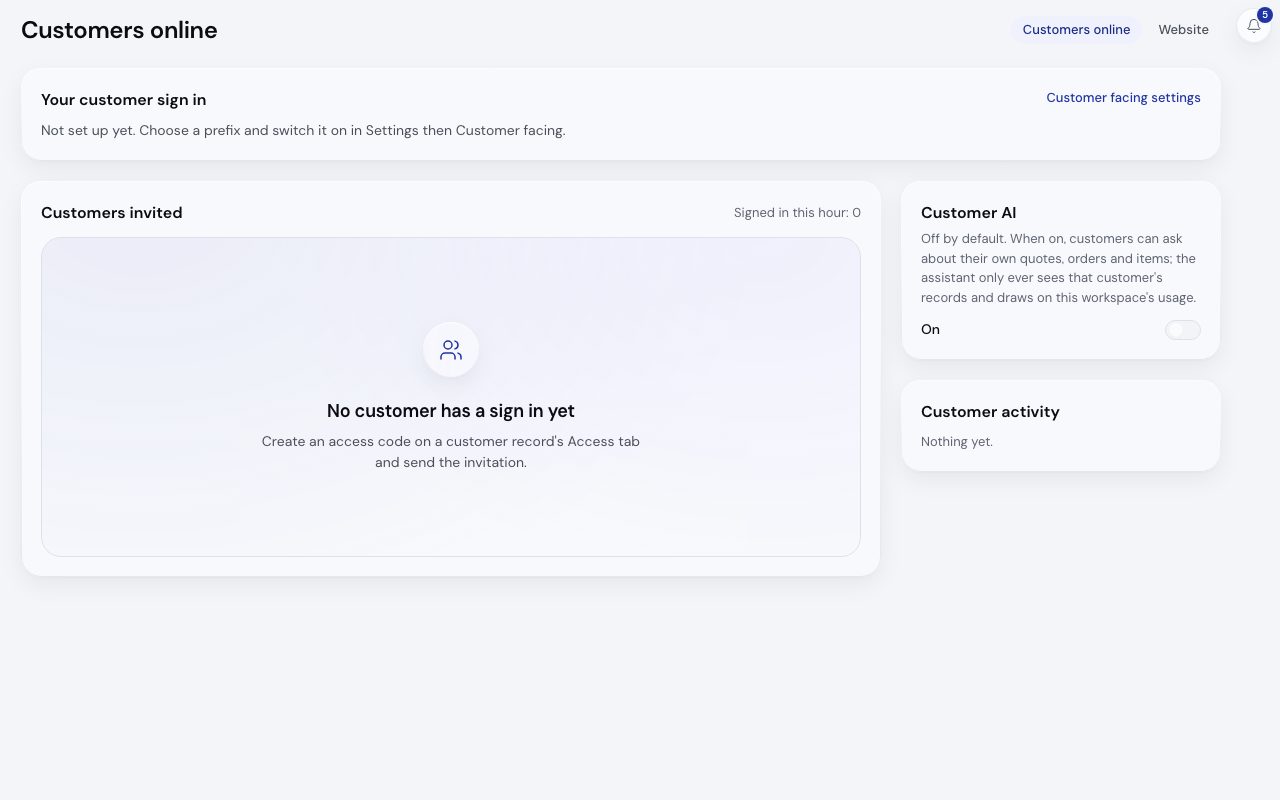
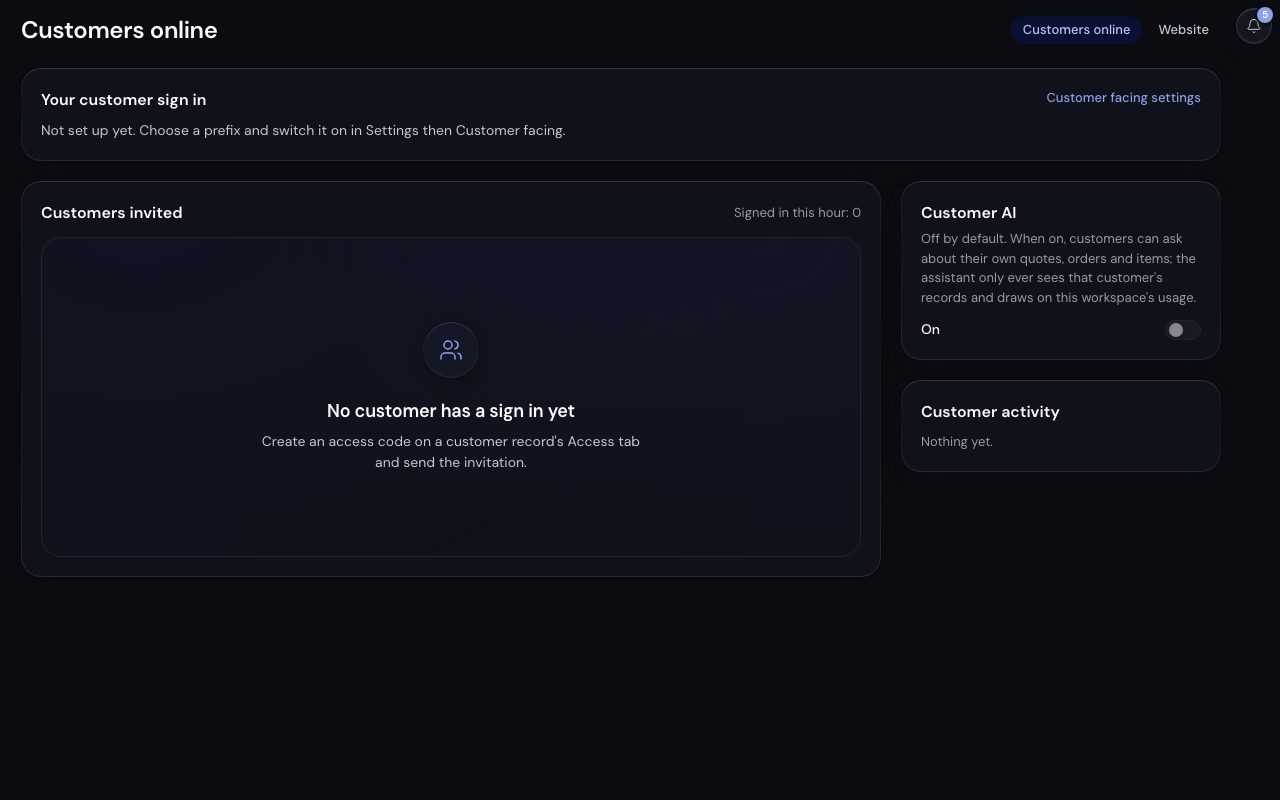
/app/commerce, demonstration data, captured 23 September 2026. Open full sizeOpen full size| Panel | What it shows |
|---|---|
| Your customer sign in | The path address, your Kabaido address and your domain, each with its state, plus Customer facing settings (admins) and View as a customer |
| Customers invited | Each customer with a code, how many people use it and their last sign in, with the count Signed in this hour above |
| Customer activity | What customers did, newest first |
| Customer AI | The switch and Messages a day per customer |
Every role with the Commerce area sees the view. Admins and owners can change the AI switch here; it saves at once.
With no customer invited yet, the view says so and points to the customer record's Access tab. Website, beside it, is the website workbench.