Logistics
Stock
Stock keeps one true quantity for everything you hold, wherever it is.
What it does
It can run your locations, transfers, stocktakes and reorder points, and records every movement as it happens: goods received on a purchase order, material consumed at a machine, a load leaving on a van.
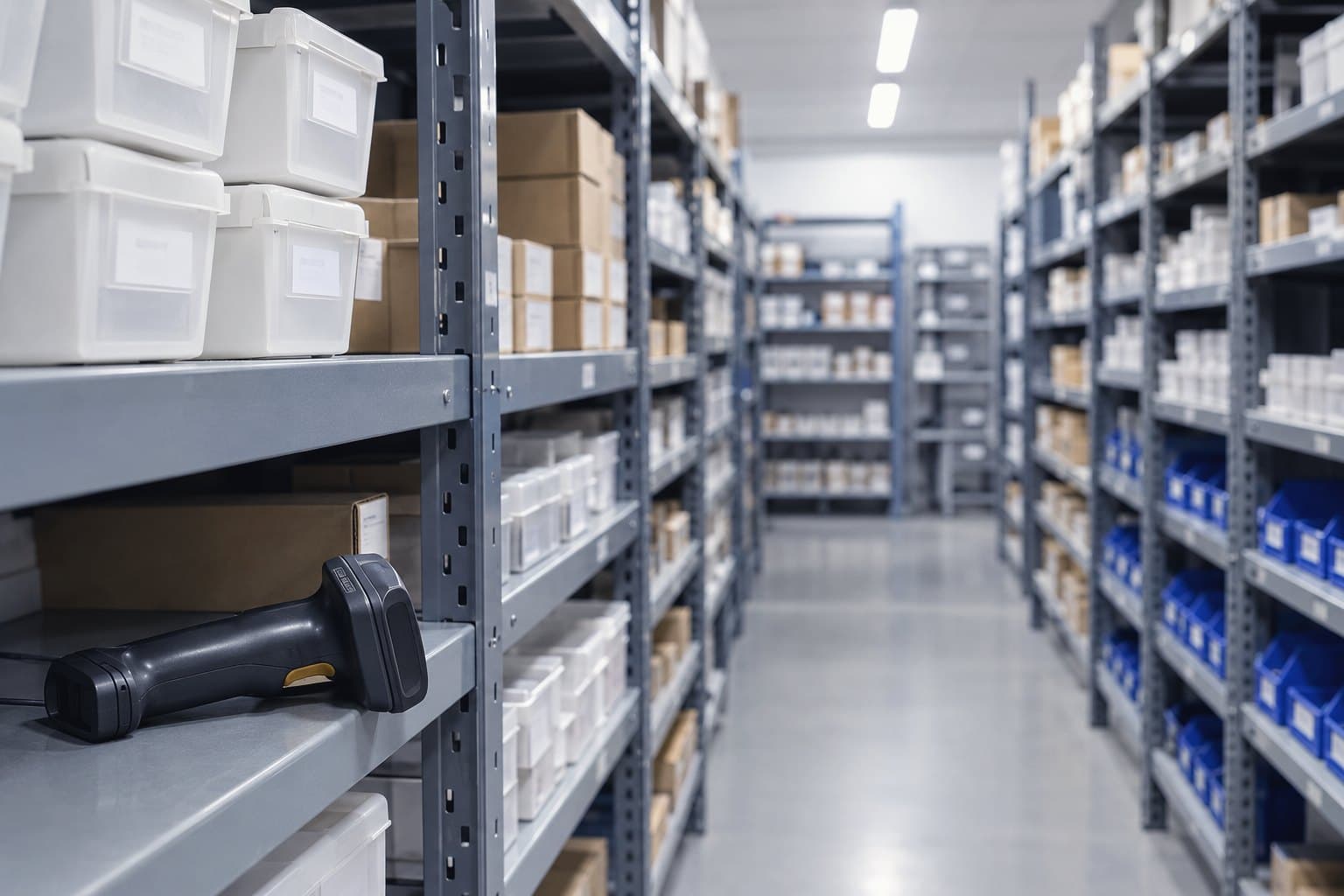
- Give your customers an availability answer you trust at the moment of quoting, and fewer promises you have to take back.
- Every balance is derived from the ledger rather than typed over, so each change carries a reason, a person and a time.
- It works with the rest of the platform, or on its own for a stores operation or a distributor that needs inventory and nothing else.
See it working
Four Stock screens over one day in the stores with demonstration data: the ledger with a delivery from the van, a count, a van load, goods in and a transfer, each with its kind, its note and the balance after; a count of the trade counter with its one variance; a line's drawer adjusting by an amount with a reason; and a phone counting a shelf by scan.
In more detail
One place for every quantity
Locations, lines and counts, with every movement from every other product written to one ledger.
The products and areas that write stock movements, each with the kinds it writes and the note it leaves on the row: goods in from Source, reservations and issues from orders, loads and deliveries from Route, material used by Machinist and count variances from Stock, all into the one ledger every balance is summed from.
Every part of the platform that moves stock writes to the same ledger, through the same writer.
Nobody types over a balance
Balances are derived from the ledger, never edited.
A stock line's drawer with demonstration data: its 3 movements add up to the 28 on hand it shows, and its actions each record a movement with a reason, with no field that sets the balance.
On hand is the sum of the line's movements, and every action records a new one.
Find it, label it, count it
Location trees and codes, with a count started from any location.
Every location has a code to scan, and a van becomes a location when Route is on.
Know before you run out
Reorder points that raise actions when a line runs low.
The Stock area's Monitors sheet: a stock level monitor and a reorder point monitor on the trade counter, both checked a quarter of an hour ago. The reorder point monitor fired and told the team.
The trade counter hit its reorder point, so the monitor told the team
Who it is for
- Industrial distribution and MRO
- Cutting tool manufacturers and distributors
- Precision machining and subcontract engineering
Who uses it daily
- Stores Manager
- Inventory Controller
- Goods In and Goods Out
- Production Planner
- Internal Sales checking availability
Who buys it and who to involve
- Operations Director
- Managing Director
- Finance Director
Bring Finance in early: stock valuation is a balance sheet number, so the new ledger must reconcile with theirs.
Every product, every plan.See pricing
Where it fits
In Kabaido
Connects to
- OrderWise, Template
- Zebra, Template
- Honeywell, Template
- Datalogic, Template
- Brother, Template
- BarTender, Template
- NiceLabel, Template
- Any USB or Bluetooth wedge scanner, Template
- Template
If your system has an API, Kabaido connects to it.
Every other way it connects
Everything runs on the same open paths: the Kabaido API and MCP server, outbound webhooks, an inbound endpoint, a scheduled REST pull, CSV and Excel in and out, and Zapier, Make and n8n for anything else. Custom connections are built to order.
Via automation
- Unleashed, Via automation
- Cin7 Core, Via automation
- Katana, Via automation
- MRPeasy, Via automation
- Fishbowl, Via automation
- Linnworks, Via automation
- Brightpearl, Via automation
- Descartes Peoplevox, Via automation
- Microsoft Dynamics 365 Business Central, Via automation
- SAP Business One, Via automation
- Sage 200, Via automation
- Epicor Kinetic, Via automation
- Oracle NetSuite, Via automation
- Odoo, Via automation
- 123insight (Forterro), Via automation
- EFACS E8, Via automation
- Xero, Via automation
- Sage 50 Accounts, Via automation
- QuickBooks Online, Via automation
Questions
- Yes. It works with the rest of the platform, or on its own for a stores operation or a distributor.More on Lines, locations and the ledger
- No. Every balance is derived from the ledger, so a correction is an adjustment that carries a reason, a person and a time.More on Lines, locations and the ledger
- With Kabaido Source on, receipts land in the ledger, on order quantities are visible and reorder points become actions.More on Source
- Source, Route and Machinist write their movements to the same ledger when Stock is on, and so do orders as they reserve and fulfil.More on Lines, locations and the ledger