The first drop is marked
What it does
It can plan the consignment, label the packages or load the van, hold the window you promised, track the courier, sequence a day of stops and capture the signature at the door from the driver's own screen. Field sales visits plan onto the same runs.
- Give your customers a delivery date they can plan production around, and proof of what arrived and when.
- It records every move as a scan event and books the real cost of the delivery against the job.
- Run it with couriers, with your own vehicles, or both. With Kabaido Stock on, a van is a location and a load is a transfer.
In more detail
Your own vans, stop by stop
Runs carry a day of stops for one vehicle; loading says what goes on it; the driver works from a station screen.
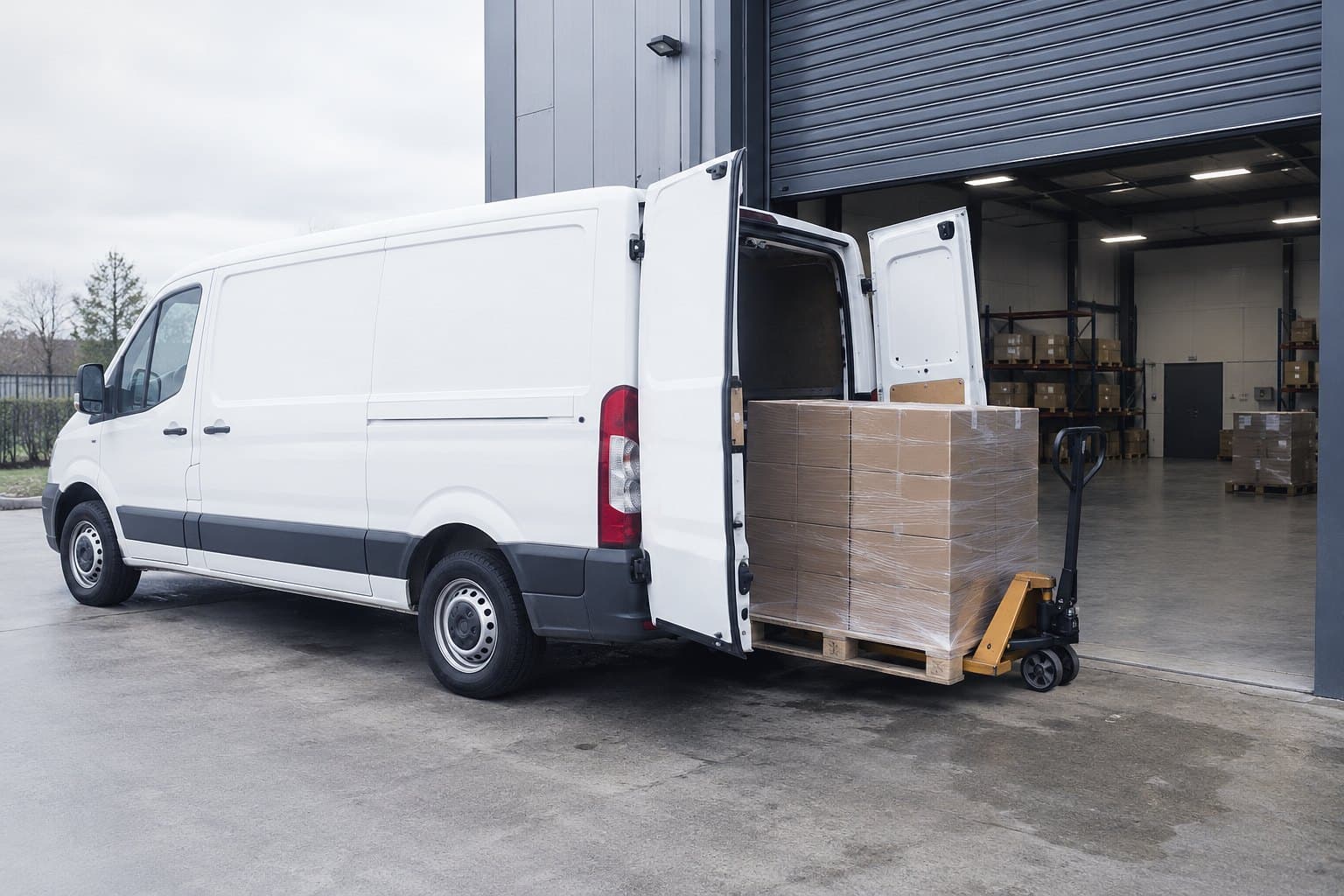
Route's Loading screen for one run: every package labelled with its trace code, scanned aboard in reverse drop order so the first drop comes off first.
All 7 aboard, first drop by the door
Where, when and how it goes
One consignment record per order: the address, promised window, carrier or internal run, packages, tracking reference and proof of delivery.
A status you can trust
Every physical move is a trace event, so a status never changes without the event behind it.
The true cost of delivering
Delivery and run costs are written back against the job.
Who it is for
Who buys it
- Operations Director
- Managing Director
- Logistics Manager
Who uses it daily
- Transport Manager
- Despatch Supervisor
- Warehouse and Goods Out team
- Drivers
- Field Sales
- Internal Sales answering "where is my order"
Who to involve
Bring in whoever holds your carrier accounts early: the rates, the account numbers and the first integration conversation are theirs.
Where it works
- OrdersBrings this areaThe Deliveries lens: the same orders read as promised date, fulfilment state, consignment, destination and what is still owed
- RouteBrings this area
- StockAdds to it with both products onEach van is a stock location, a load scan is a transfer onto it, and closing the run flags anything still aboard
Integrations
If your system has an API, Kabaido connects to it: the Kabaido API and MCP server, webhooks in and out, a scheduled REST pull, CSV, or Zapier, Make and n8n. Custom connections are built to order.
- Template 19
- Roadmap 13
Show every integrationHide the list
- Parcel and express carriers
- Pallet and freight networks
- Shipping and despatch platforms
- Labels, scanners and printers
Built for these trades
- Industrial distribution and MRO
- Tool servicing and regrinding
- Cutting tool manufacturers and distributors
Every product, every plan. Plans set usage and scale, never which products you can use.See pricing
Questions
- Yes. Each consignment goes by a carrier or on one of your own runs, and a workspace can use both.More on Deliveries, runs and vehicles
- The driver works from a station screen and captures the signature at the door. The proof sits on the consignment record.More on Deliveries, runs and vehicles
- No. With Stock on as well, a van becomes a stock location and a load becomes a transfer in the ledger.More on Lines, locations and the ledger
- Yes. Delivery and run costs are written back against the job the consignment belongs to.More on Costing