Skip to content
NewKabaido Inspect is live: know every manufacturer on your patch before you knock.See Inspect

Wizard

The right product, computed.

Deterministic product selectors that compute the right specification from published engineering data and match your own catalogue against it. No AI in the loop and no usage drawn. Three presets are live today: the bandsaw blade wizard, the PCD saw blade selector and the coating and treatment selector.

How it works

From what you know to what to buy

A wizard preset is an interactive engineering form. It takes what the user knows and works forward deterministically, so the answer is explainable line by line.

Answer what you know

Material, workpiece shape and size, machine and priorities. Every step is skippable with a stated default, and anything missing becomes a question, never a guess.

The engine computes the specification

Deterministic engineering logic reads published charts: tooth pitch, blade family, width, band speed and loop length. Every line cites the chart that produced it.

Your catalogue is ranked against it

The specification is scored against your own products factor by factor: width, pitch, family, length and material. An empty catalogue returns an honest empty state, never an invented product.

Try it

The bandsaw blade wizard, live

This is the shipped engine running in your browser in specification only mode. Pick a material and a shape and watch the specification, the warnings and the questions change as you type.

Bandsaw blade wizardLive demo

Material

Workpiece shape

Machine, optional

Tooth pitch

4/6 TPI

60 mm engaged width sits in the 35-70 mm band (4/6 TPI).

Blade family ladder

  1. 1.Bi-metal (M42 tooth edge) (up to about 44-45 HRC)
  2. 2.Carbide tipped (TCT) (up to about 64 HRC)

Band speed, starting range

60 to 80 m/min

Low carbon and structural (S275, A36, EN3, 1018) starts at 60 to 80 m/min; tune at the machine. Silver curled chips are right, powdery chips mean feed too low, blue chips mean speed or feed too high.

Teeth in the cut

About 11.8 (aim 6 to 24)

60 mm engaged at 4/6 TPI puts about 11.8 teeth in the work (aim 6 to 24).

  • What loop length does the machine take? Enter it, or give wheel diameter and centres for the calculator.

Computing the specification only. Matches come from your own catalogue when signed in.

Starting recommendations from published manufacturer guidance, accessed 2026-07-28, to be tuned at the machine.

Starting recommendations from published manufacturer guidance, accessed 2026-07-28. In the platform every line carries a why popover naming the published chart it came from, and the full reference tables live in the docs

The presets

Three presets live today, built to carry more

Wizard is a capability of the platform, not a module of its own. It lives under Products beside your catalogue, designs and services, and any organisation can run it against their own product data.

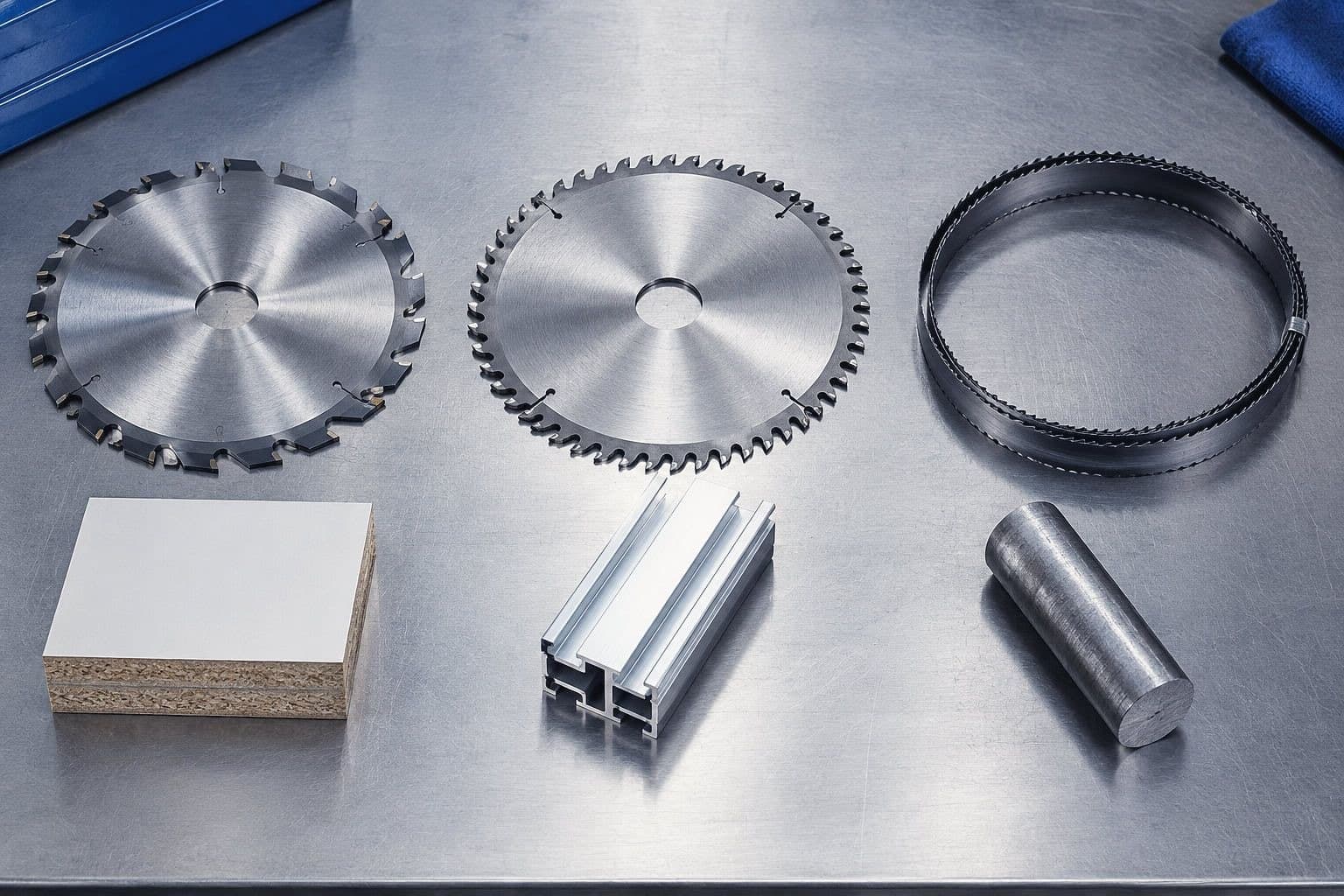
Three engines are live today, each compiled from published engineering data for a different trade. They share one pattern: typed data from published sources, a deterministic engine and your catalogue ranked against the result. More are planned, and we announce them when they are built rather than before.

  • Bandsaw blade wizard

    Material, section and machine in. Tooth pitch, blade family, width, band speed and loop length out, each line citing the chart it came from.

  • PCD saw blade selector

    Machine, material and blade diameter in. Tooth count, tooth form, kerf, hook angle, spindle speed and feed out, and a note wherever the input falls outside the published span.

  • Coating and treatment selector

    Substrate, environment and salt spray target in. The ranked process family, the ISO 10683 designation where one resolves, the route and the add-on services out. Coating is quoted per batch, so it recommends rather than prices.

Inside the bandsaw blade wizard

Thirteen materials
From mild steel, stainless and aluminium through tool steel, cast iron and titanium to hardwood, foam, leather, glass and composites, each mapped to its blade family branch and speed band.
Solids, tubes, boxes and bundles
Pitch comes from the published section charts: solid bars read the width band, tubes and boxes read the wall matrix and bundles read the bundle matrix with the clamping warning always attached.
Width, speed and loop length
Blade width follows the machine cap or the contour radius chart, band speed starts from the per material chart and loop length is entered or calculated from wheel diameter and centres.
Warnings and break in
Thin walls, interrupted cuts, work hardening materials and teeth in cut outside the target band each raise a typed warning, and every new blade recommendation carries its break in guidance.

Inside the PCD saw blade selector

What it asks for
The machine class (panel sizing saw, beam saw main blade, beam saw scoring unit, nesting CNC saw unit or edgebander), the board or section being cut, and whatever is known of the fitted blade and the spindle. Anything not stated is either derived and labelled as derived, or asked for.
What it answers with
The whole blade: tip material, diameter, bore, kerf and plate, tooth count and form, hook angle, the rim speed band with the spindle speed that reaches it, and the feed at the starting chip load. Every line carries the published table it came from and how firm that source is.
Where it stops
The published dimension table covers 300 to 450mm. Outside that span the nearest published section is offered as a starting point to confirm with the supplier, never cited as the table's own row. A scoring unit gets its own programme instead of the main blade's, with the adjustable kerf that is ground to match rather than chosen from a table.
Where the answer goes
Straight into the PCD saw blade design module with the whole specification already set, clamped to that module's own tooth count ceiling of 120 so the handoff never opens on a value the module would reject. A spindle too slow for the material's rim speed band warns, and prints the rim speed it would actually reach.
PCD saw blade selector, the specificationUI still
Coating selector, the answerUI still

Inside the coating and treatment selector

What it asks for
The substrate, what the parts are, the salt spray hours the drawing calls for, the industry and the volumes. It also takes a branded system a drawing already names, because a brand callout and a designation are different answers to give a buyer.
What it answers with
The process families ranked with the reason each one placed where it did, the specification ready ISO 10683 designation where zinc flake leads on a steel fastener, the barrel, rack or spray route the recommended process actually runs on, and the locking, sealing, masking and sorting services a coating only answer would miss.
Only the published classes
The ladder is exactly 360, 500, 720, 1000 and 1500 hours to ISO 9227, and nothing outside that set is ever presented as a class. A requirement above the top class is called a special to take to the coater rather than dressed up in an invented code.
It never prices
Subcontract coating is quoted per batch, so the selector captures the drivers a sales engineer quotes from and then stops. The reach beside each process is a sector typical working estimate to confirm with the coater, and the one family with no published source behind its figure says so on its own line.

Pricing

Free in the platform, on every plan

Wizard runs never draw on your usage. A wizard on your own website comes with a Kabaido Commerce website rather than as a line of its own.

Wizard usage by plan tier.
Wizard usageFreeProUltraMax
Wizard presetsAllAllAllAll
Runs a month10UncappedUncappedUncapped
Usage drawnNoneNoneNoneNone

A wizard can also run on your own website, on the same catalogue. That is part of a Kabaido Commerce website: the Kabaido team builds the wizard into your pages and connects it to your catalogue during the website build. There is nothing separate to buy and nothing to set up yourself.

Questions

About the Wizard

Is there any AI in the Wizard?
No. Wizard is deterministic engineering logic compiled from published manufacturer guidance. The same inputs always produce the same answer, nothing is generated and runs never draw on your usage.
What does the Wizard cost?
Running wizards in the platform is free with any Kabaido account. The free plan includes 10 runs a month; paid plans are uncapped. A wizard on your own website is part of a Kabaido Commerce website, built in during the website build.
Where do the numbers come from?
From published manufacturer and distributor guidance, compiled with sources and an access date. Every line of a computed specification names the chart that produced it. They are starting recommendations, to be tuned at the machine.
What happens when my inputs fall outside the published charts?
The wizard says so and asks, rather than extrapolating silently. A combination the charts do not publish returns an honest note to contact us, and a missing input becomes a question, never a guess.
Which wizards exist today?
Three presets are live today: the bandsaw blade wizard, the PCD saw blade selector and the coating and treatment selector. Further selectors follow the same engine pattern of published data, a deterministic engine and your catalogue ranked against the result. We announce them when they are built.

Compute the right product.

Every wizard preset is free with any Kabaido account: 10 runs a month on the free plan, uncapped on paid plans.