Sales
Design Engineer
Design Engineer turns a custom enquiry into a configured, priced and drawn product.
What it does
It can configure the part in 3D, price it on your real costs, produce the model and drawing files and put the whole thing on a quote. Change a parameter and the geometry, the price, the cost and the lead time move with it.
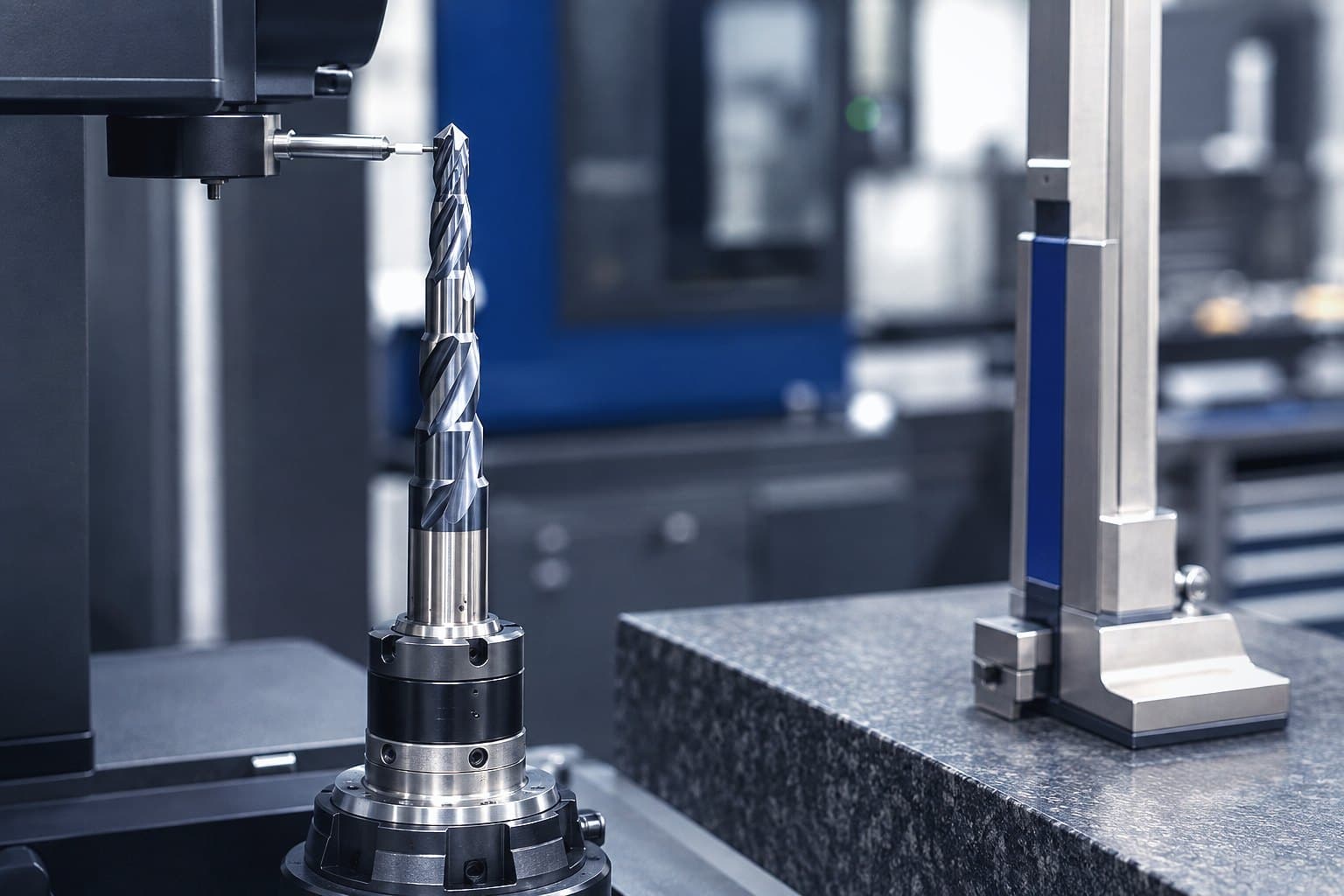
- Give your customers a bespoke answer in minutes rather than days, with a drawing to approve and a price that stands up.
- Anyone in the sales office can drive it, or the AI can, from the customer's own words and the drawing they attached.
- Design modules cover soft jaws, gaskets, plastics cut to size, balustrades, PCD saw blades, PCD profile cutters and solid carbide endmills. New ones are built to order for what you make.
See it working
A glass balustrade for a house landing through the design workbench: built in 3D at three run lengths (Run length 2400 mm, Posts 3, Panels 2, £895.74 for 1 off; Run length 3400 mm, Posts 4, Panels 3, £1,212.54 for 1 off; Run length 4800 mm, Posts 5, Panels 4, £1,587.53 for 1 off, on the example rates); blocked when the finish cannot be made, every file held; its cutting list and its price line by line; and a demonstration of the same design configured from the customer's message.
Design modules
- Soft jawsMachinable soft jaw sets for wedge type lathe chucks, with the grip pocket cut to the workpiece.
- GasketsFull face, ring, rectangular and drawn gaskets cut from sheet, priced with a cut ready profile.
- Cut to size plasticsPlastic sheet, rod and tube cut to size from stock, or a part cut to an outline you draw.
- Balustrades and handrailsBalustrade and handrail runs set out as a fabricator quotes them: level runs, corners, stair rakes and landings.
- PCD saw bladesDiamond tipped circular saw blades built tooth by tooth, with tips, discs, braze and body blank priced.
- PCD profile cuttersDiamond tipped profile and jointing cutters on steel bodies, with knife form, disc yield and body billet priced.
Show all
Built to order
- Machine knives
- Superabrasive wheels
- Woodworking cutter heads
- Coating racks and jigs
In more detail
Parameter by parameter
A CAD workbench where each design module carries its own parameter space, geometry, rules and price formula.
A gasket changed one parameter at a time: the parameter panel, the drawing and the price move with each change.
One design, every output
The output is a 3D model, drawing and production files, a real cost and a quote line.
One part from each of five design modules in 3D, as the design workbench builds them: PCD profile cutter, Form V groove, Form depth 10 mm, £364.85 for 1 off. Soft jaws, Jaw style Pie jaws, Workpiece diameter 120 mm, £58.71 for 1 off. Gasket, Shape Full-face flange, Flange standard DN150 PN16, £34.07 for 1 off. PCD saw blade, Diameter 300 mm, Tooth count 60 T, £497.41 for 1 off. Plastic cut to size, Form Tube, Material grade Acetal POM-C, £24.69 for 1 off.
Prices at the example rates each design module ships with
Blocked, not quoted
Rules block an impossible combination before it is quoted.
Prep and material counted
Rate lines and their prep are tracked, and where the workspace also runs Stock the consumption is written to the same ledger.
A design module's Stock mode panel: three PCD discs held as counted stock with a low stock threshold each, one connected to wire EDM because it requires preparation.
Who it is for
- Precision machining and subcontract engineering
- Balustrades and architectural metalwork
- Woodworking tooling and PCD
Who uses it daily
- Design Engineer
- Applications Engineer
- Technical Sales
- Estimator
- Internal Sales
Who buys it and who to involve
- Technical Director
- Managing Director
- Sales Director
Bring in your design office lead early: it works beside their SOLIDWORKS or Inventor files and does not compete with their PDM.
Every product, every plan.See pricing
Where it fits
In Kabaido
Connects to
- Works today
If your system has an API, Kabaido connects to it.
Every other way it connects
Everything runs on the same open paths: the Kabaido API and MCP server, outbound webhooks, an inbound endpoint, a scheduled REST pull, CSV and Excel in and out, and Zapier, Make and n8n for anything else. Custom connections are built to order.
Roadmap
- SOLIDWORKS, Roadmap
- Autodesk Inventor, Roadmap
- Autodesk Fusion, Roadmap
- AutoCAD, Roadmap
- Solid Edge, Roadmap
- Siemens NX, Roadmap
- PTC Creo, Roadmap
- Onshape, Roadmap
- Rhino, Roadmap
- FreeCAD, Roadmap
- IGES, Roadmap
- DWG, Roadmap
- Parasolid (x_t), Roadmap
- SOLIDWORKS PDM, Roadmap
- Autodesk Vault, Roadmap
- Autodesk Fusion Manage, Roadmap
- Arena PLM, Roadmap
- Mastercam, Roadmap
- Autodesk Fusion CAM, Roadmap
- Edgecam (Hexagon), Roadmap
- Alphacam (Hexagon), Roadmap
- Radan (Hexagon), Roadmap
- SolidCAM, Roadmap
- HyperMILL, Roadmap
- Lantek, Roadmap
- SigmaNEST, Roadmap
Questions
- No. It configures, draws and prices the parts you sell to order, beside your SOLIDWORKS or Inventor files and your PDM.More on Integrations
- They come from your rates. Until you load them, the price panel says plainly that it is using the preset's example rates.More on Costing