What it does
It can give the operator a screen built for that machine, with machine modules for plasma profiling, wire EDM and CNC milling, then schedule the jobs, machines and operators above them, track progress piece by piece and collect the time and material each job consumed.
- Give your customers a lead time based on real capacity, and the status of their own production order without them having to ask.
- Work arriving from a quote becomes a job, the job carries its trace code through every station, and the cost comes back against the order.
See it working
Three Machinist screens from one demonstration Monday: the schedule board with 11 jobs across 3 machines, the Machines view as Wire EDM 1 sets up KAB-J26-00001, then the costs of 6 finished jobs with standard minutes against scanned minutes.
Machine modules
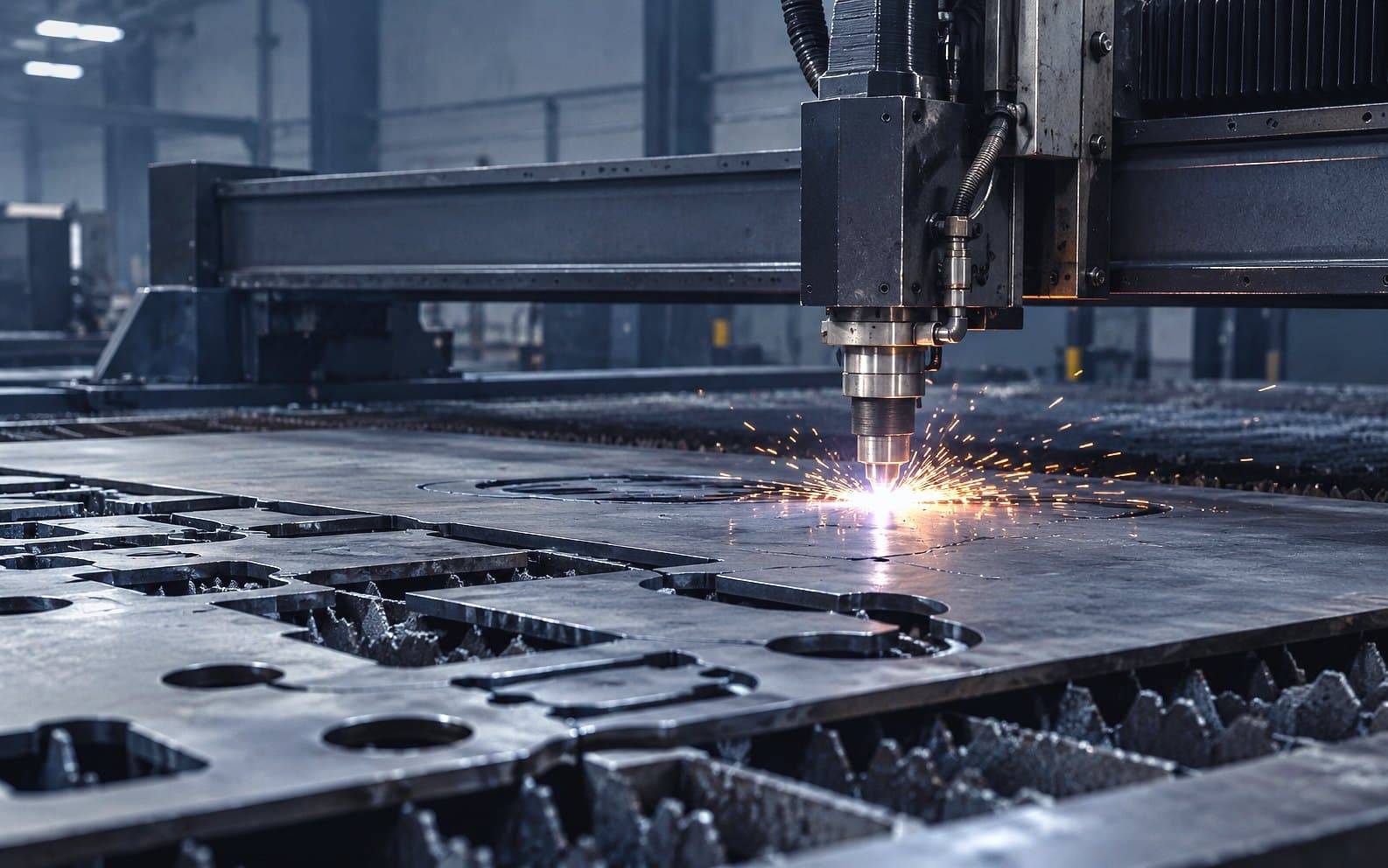
- Arcline plasmaCNC plasma and sheet metal: draw or import parts, nest true shape on real sheets and post the cut file.
- Wire EDMCut PCD tip and knife blanks from discs and erode finished profiles, with modelled cut times.
- CNC millingMachine cutter bodies and similar parts from billet, with cycle times modelled from standard machining theory.
- Tool grindingGrind solid carbide endmills from a designed order, planned from your own rods, wheels and grinders.
In more detail
Built for the shop floor
Dedicated machine interfaces at the machine, with the jobs, operators, schedule, per piece tracking and real costs behind them.
The screen at Wire EDM 1, bound to that machine: job KAB-J26-00001, Punch die insert, Nettleham Tool and Die, Setting up, with Start running, Pause and Finish on offer and KAB-J26-00002 next in its queue.
Every machine works the same way
One job model, one cost model and one trace code across every machine module, whatever the process.
One job model under every machine module. Three jobs on the demonstration floor, one per machine module: KAB-J26-00016, A nest of 12 parts, 4 min, £5.63 at standard; KAB-J26-00001, Punch die insert, 2 off, 2 h 50 min, £147.33 at standard; KAB-J26-00005, Pump housing face and bore, 4 off, 1 h 35 min, £102.92 at standard. Each carries a trace code, standard minutes, the minutes each scan measures and a cost at the machine's rate, moving through queued, setting up, running and done.
Stock kept true at the machine
Material and consumables consumed at the machine write to the Stock ledger where that product is on.
Cutting the nest for CUT-2: the Nest and cut screen reports the remnant 1180 x 760 mm consumed with a new remnant 1051 x 156 mm banked. The Stock ledger's Mild steel 6mm remnants line records the consumption then the banked offcut, leaving 1 in stock.
Progress without chasing
A customer sees the status of their own production order and nothing else.
The customer page's Orders list for Nettleham Tool and Die Ltd, which Commerce brings, each order with one word from the floor: 28 Sept 2026, Queued; 28 Sept 2026, Being made; 21 Sept 2026, Made. No machine, operator, minutes, cost or job code is shown to the customer.
Who it is for
Who uses it daily
- Production Manager
- Works Manager
- Shop Floor Supervisor
- CNC Programmer
- Setters and Operators
- Production Planner
Who buys it and who to involve
- Managing Director
- Operations Director
- Production Manager
Bring your setters and operators in first: the screen at the machine is built around how they already work.
Every product, every plan.See pricing
Where it fits
In Kabaido
Connects to
If your system has an API, Kabaido connects to it.
Show every integration
Everything runs on the same open paths: the Kabaido API and MCP server, outbound webhooks, an inbound endpoint, a scheduled REST pull, CSV and Excel in and out, and Zapier, Make and n8n for anything else. Custom connections are built to order.
Roadmap
- MTConnect, Roadmap
- OPC UA, Roadmap
- MQTT, Roadmap
- FANUC FOCAS, Roadmap
- Modbus TCP, Roadmap
- Siemens SINUMERIK and Insights Hub, Roadmap
- Heidenhain StateMonitor, Roadmap
- Haas MyHaas, Roadmap
- Mazak SMOOTH and SmartBox, Roadmap
- Okuma Connect Plan, Roadmap
- DN Solutions, Roadmap
- Fanuc MT-LINKi, Roadmap
- Mastercam, Roadmap
- Autodesk Fusion CAM, Roadmap
- Edgecam (Hexagon), Roadmap
- Alphacam (Hexagon), Roadmap
- Radan (Hexagon), Roadmap
- Lantek, Roadmap
- SigmaNEST, Roadmap
- Hypertherm ProNest, Roadmap
- TRUMPF TruTops, Roadmap
- Bystronic, Roadmap
- Fronius WeldCube, Roadmap
- Lincoln Electric CheckPoint, Roadmap
- ESAB WeldCloud, Roadmap
- Miller Insight, Roadmap
- MachineMetrics, Roadmap
- Tulip, Roadmap
- Time and attendance (Mitrefinch, Kelio), Roadmap
Questions
- Machine modules exist for plasma profiling, wire EDM and CNC milling. A machine module for another process is built to order, quoted per project.More on Pricing
- No. A machine signs in as a station with its own device key, so the screen works without a personal account.More on Roles
- Scan minutes at the machine times the machine and labour rates, plus the material issued from stock. A missing rate is stated, never costed as zero.More on Costing
- Each machine connection carries an honest label on the integrations page: works today, template, via automation or roadmap.More on Integrations